Feature Codebase Chat
Ask your codebase
anything. Get
answers with sources.
Chat knows your project. Ask how something works, where a bug comes from or how to build the next thing, and get answers that point to the exact files and lines.
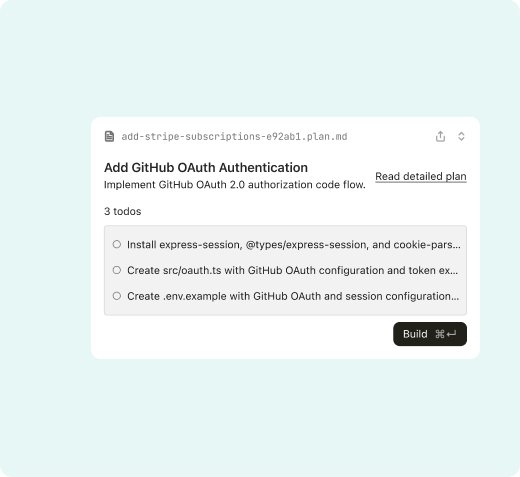
- kinds of @ context: files, folders, docs and commits
- 4
- to apply a suggested diff
- 1 click
- of answers linked to the source lines
- 100%
Get unstuck in one conversation
- 01
Ask in plain words
Type a question, select code to ask about it, or paste an error message.
- 02
Add the right context
@mention files, folders, docs or a pull request so the answer is grounded in your code.
- 03
Apply or keep asking
Answers come with inline diffs you can apply in one click, or follow up until it makes sense.
A teammate who has read the whole repo
-
@ context
Point at exactly what matters
Reference files, folders, docs and commits with @. Nexus also pulls in related code from the index on its own.
- @file, @folder, @docs, @commit
- Automatic related-code lookup
- Paste images and error logs
-
Inline diffs
Answers you can apply
When the answer is a change, Chat shows it as a diff in place. Apply it, edit it first, or copy it.
- Apply to the file in one click
- Edit a suggestion before applying
- Explain any line in the diff
-
History
Conversations that stay with the project
Every chat is saved per project, searchable and shareable, so the reasoning behind a change does not get lost.
- Searchable history per project
- Share a thread with a link
- Pin answers as project notes
Questions teams ask Chat every day
Onboard to a new codebase
Ask how the app is structured and where to start.
Trace a bug
Paste the error and follow the call path to the cause.
Understand legacy code
Get a plain explanation of what a module really does.
Plan a change
Talk through an approach before writing any code.
Review a pull request
Ask what changed, what might break and what to test.
Write docs
Turn a conversation into a README section or ADR.
“New hires ask Chat before they ask us. Onboarding went from two weeks to a few days.”
The details
Everything you need to know before you turn on Codebase Chat.
Compare plans- Where it runs
- VS Code, JetBrains IDEs, the desktop app and the web
- Context
- @files, folders, docs, commits and pull requests
- Models
- Pick a model per chat, or let Nexus choose
- Sharing
- Share threads with your team, with access controls
- Plans
- Free with daily limits, longer context on Pro and Team
- Privacy
- Your code is never used to train models. SOC 2 Type II
Codebase Chat FAQ
It searches your project index for code related to each question and adds what you @mention. You can see the sources it used under every answer.
Chat suggests diffs you apply with one click. For changes across many files, hand the task to Agent instead.
Only you, unless you share a thread. Team admins can set whether sharing is allowed.
Yes, on Team plans. Add your provider key in settings and pick it from the model menu.
Can’t find your answer? Contact our support team