Template sections
Every section a SaaS landing page needs, each in five or more layouts. Pick a layout by its thumbnail and open it for a full preview at desktop, tablet and mobile width, then copy the markup into any page.
Header and hero
-
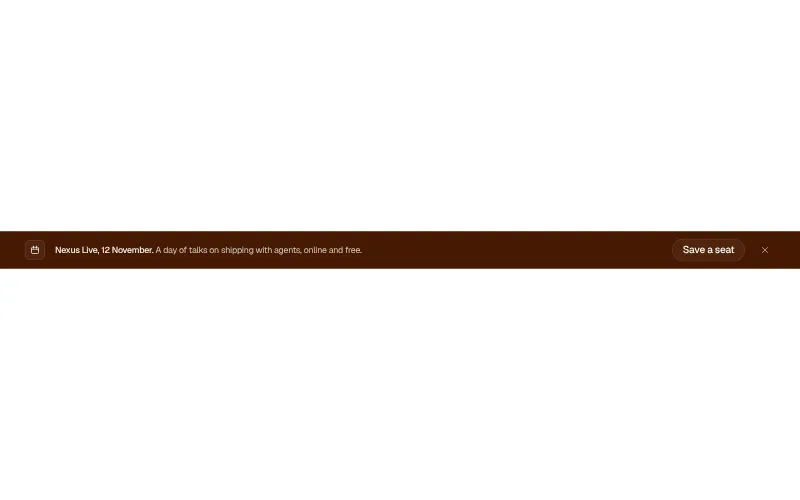
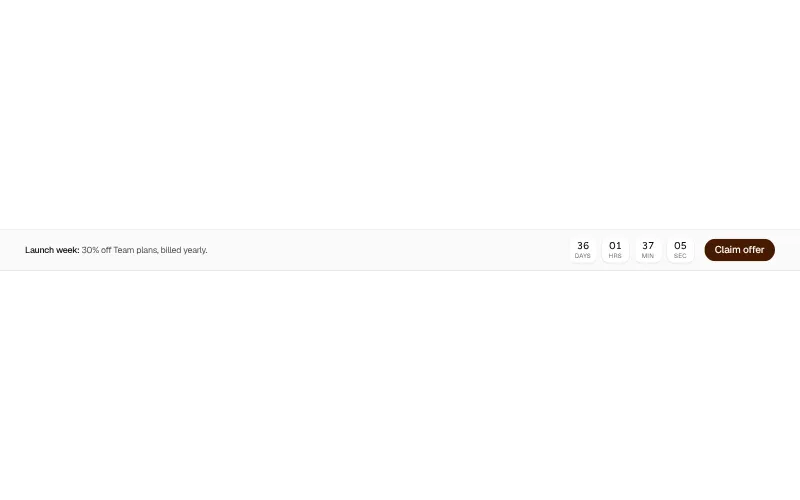
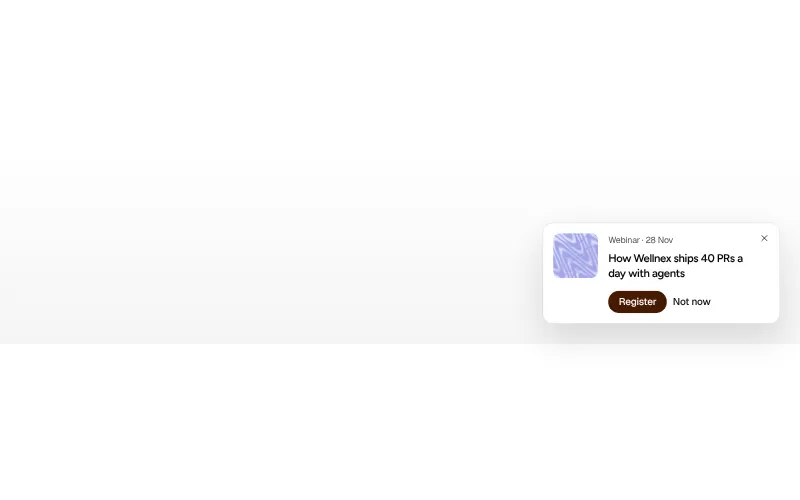
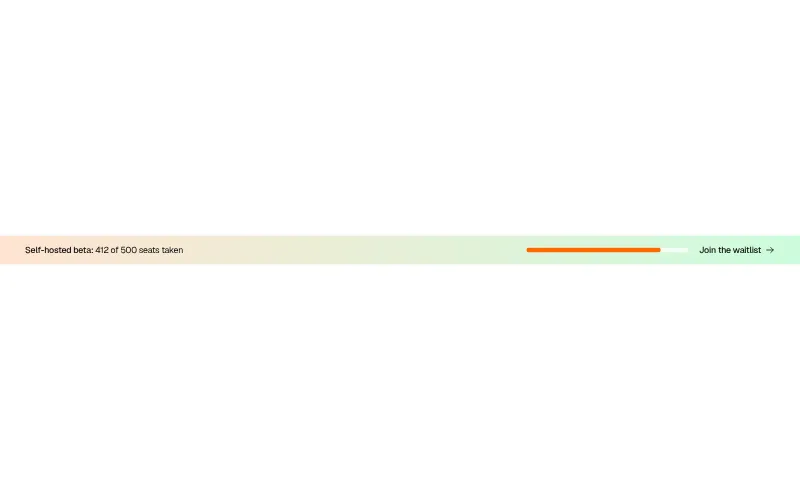
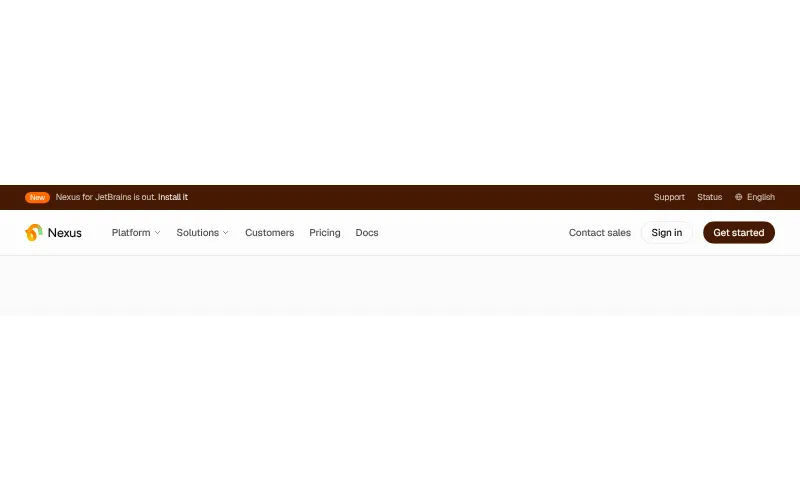
Announcement bar: #6
A thin strip above the header for launches, events and offers. One message, one link, easy to dismiss.
All variants on one page -
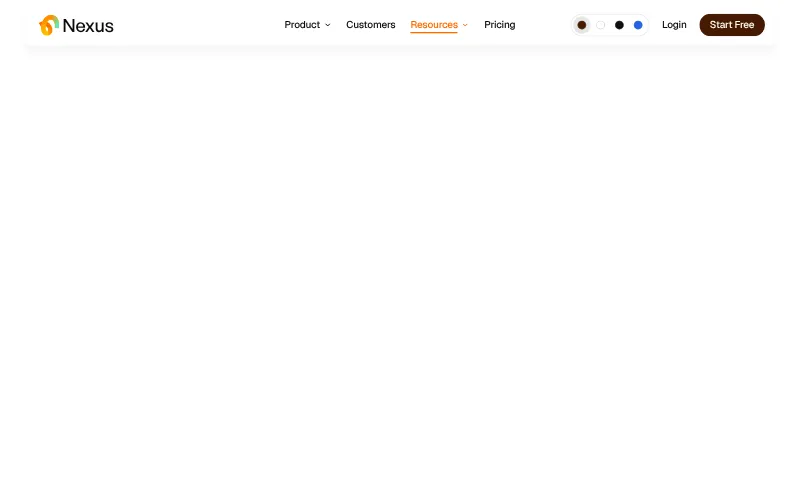
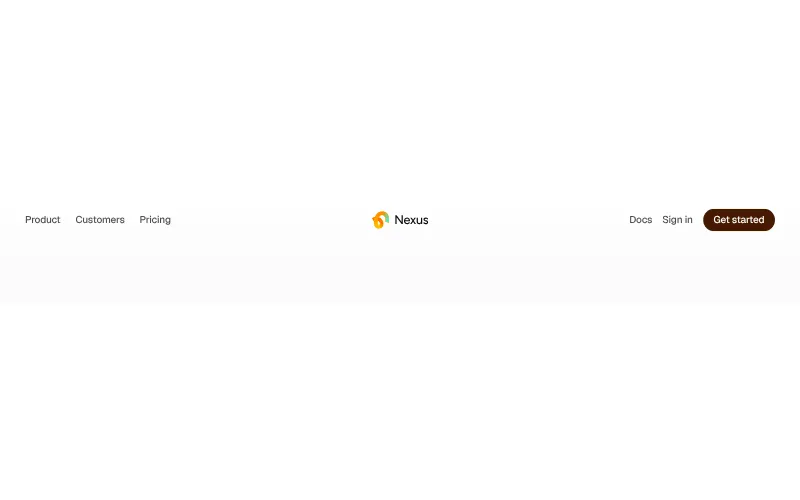
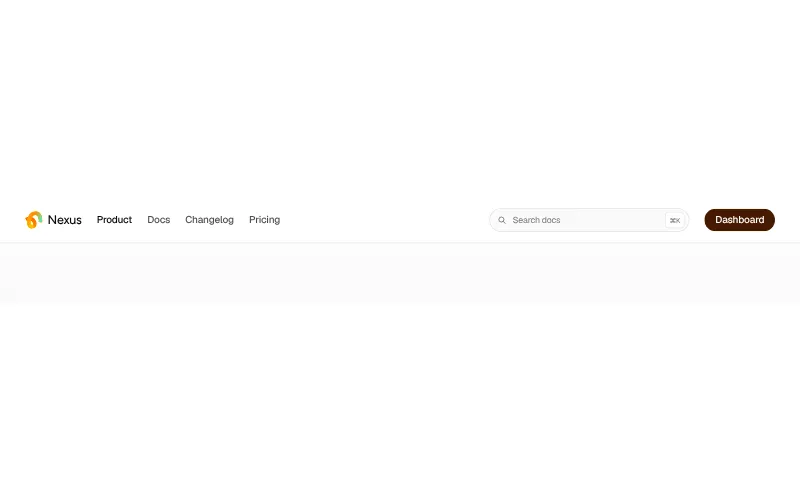
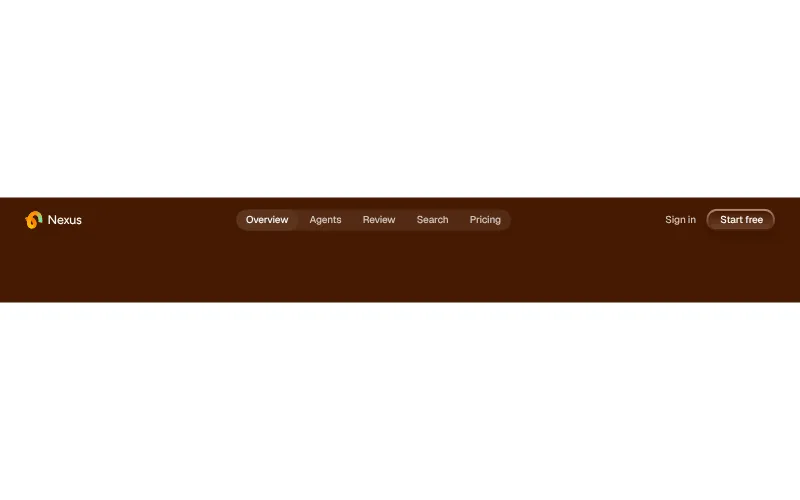
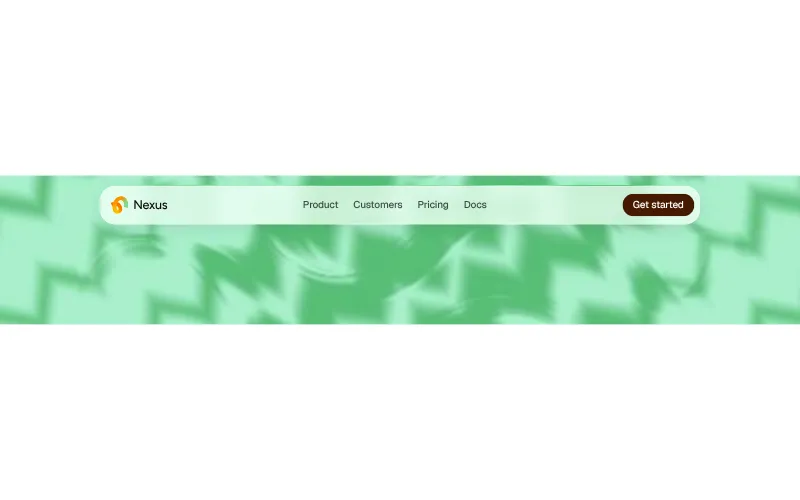
Navbar: #6
The header people use to find their way. Keep it short: five links, one primary action, and a menu that works with a thumb.
All variants on one page -
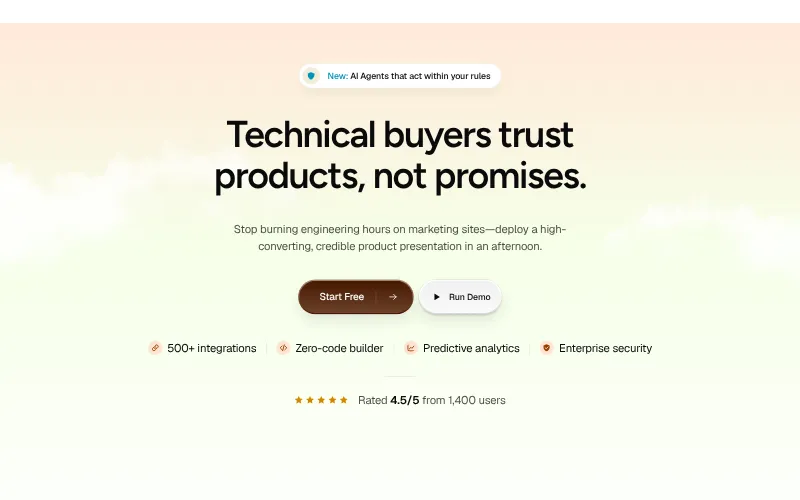
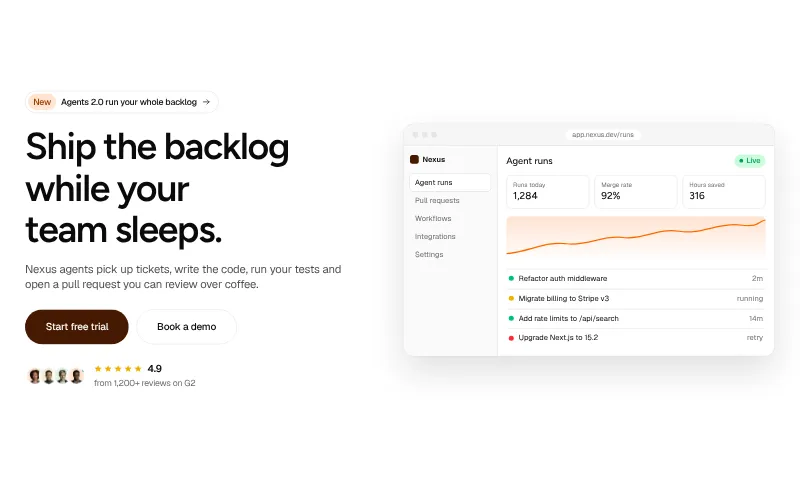
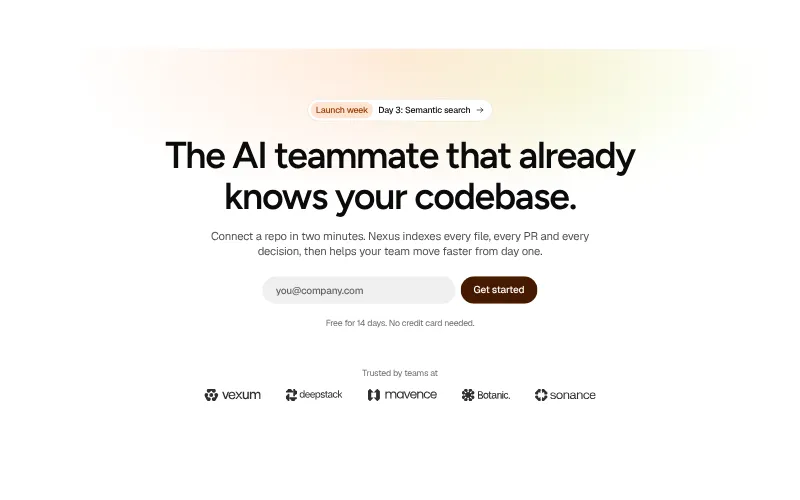
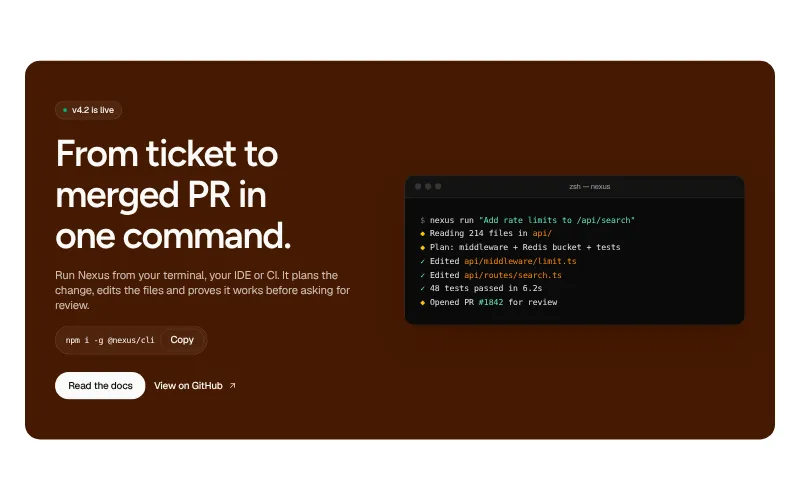
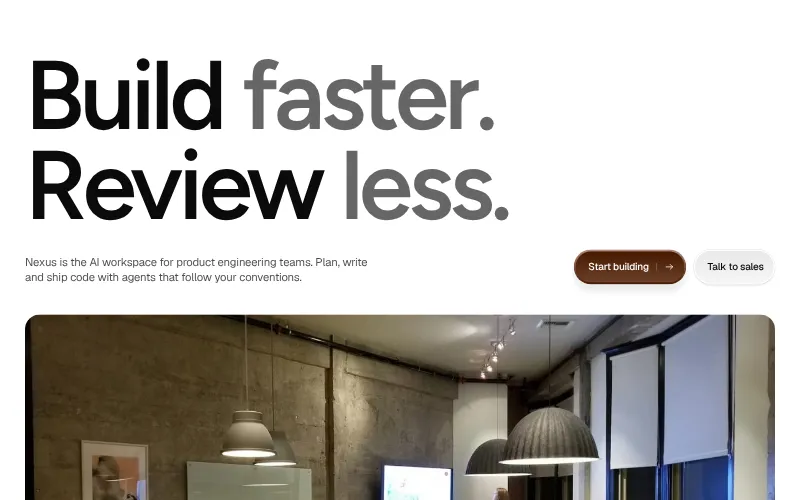
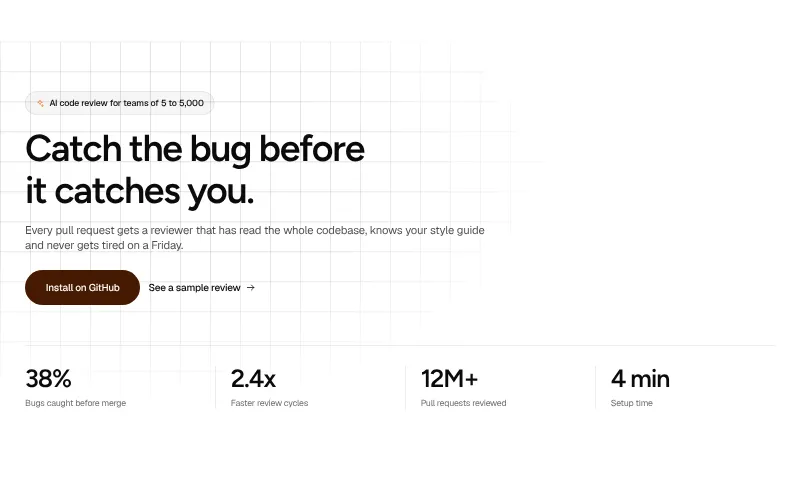
Hero: #6
The first screen. One clear promise, a primary action and proof that the product is real.
All variants on one page -
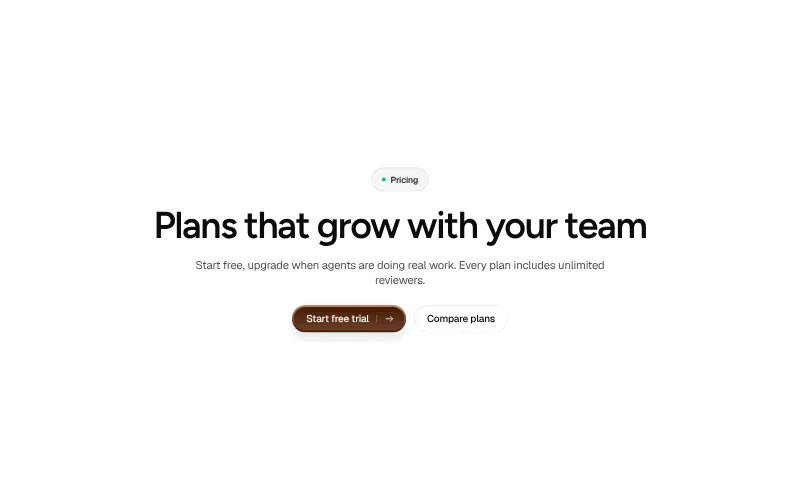
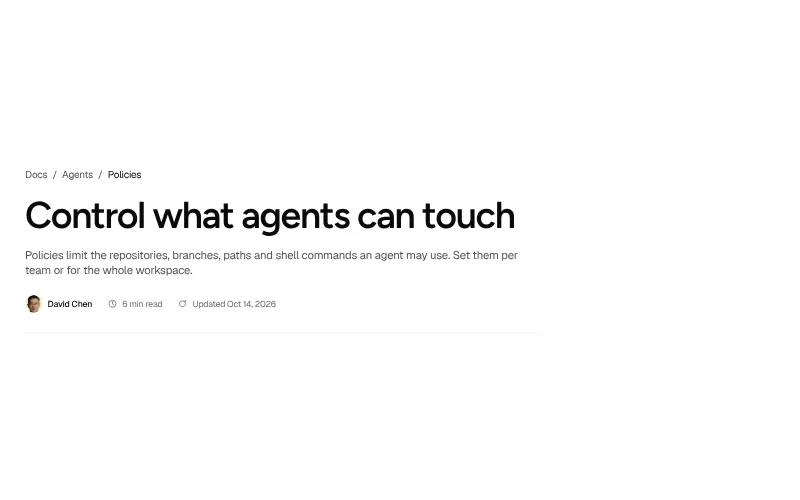
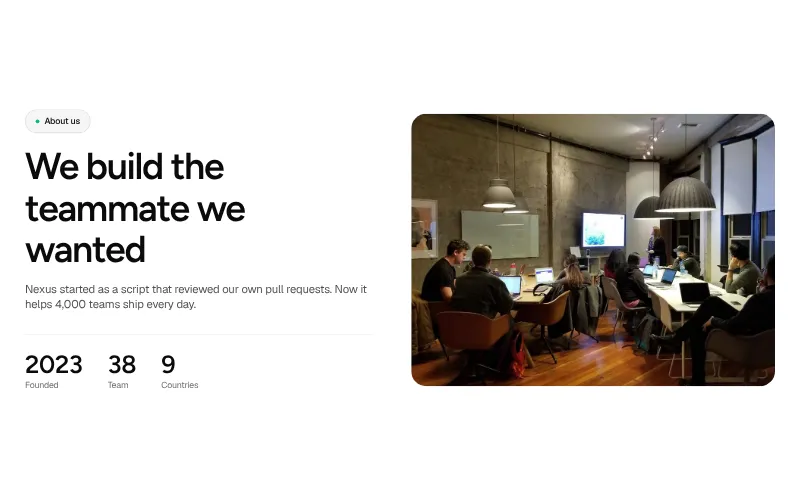
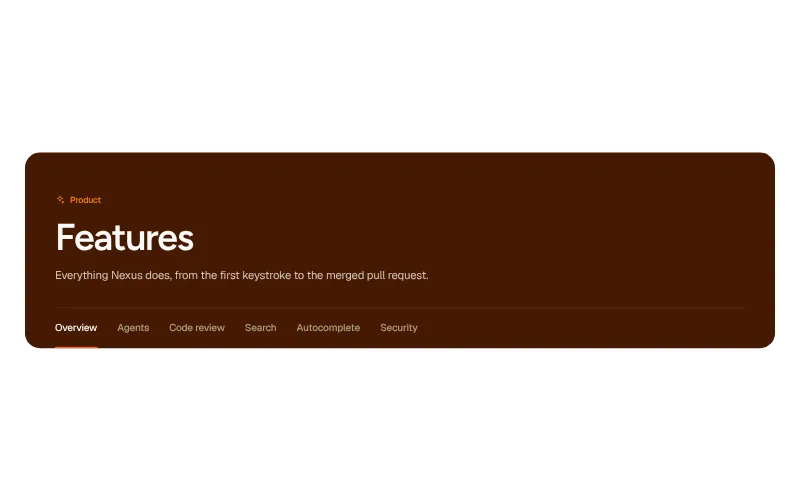
Page header: #5
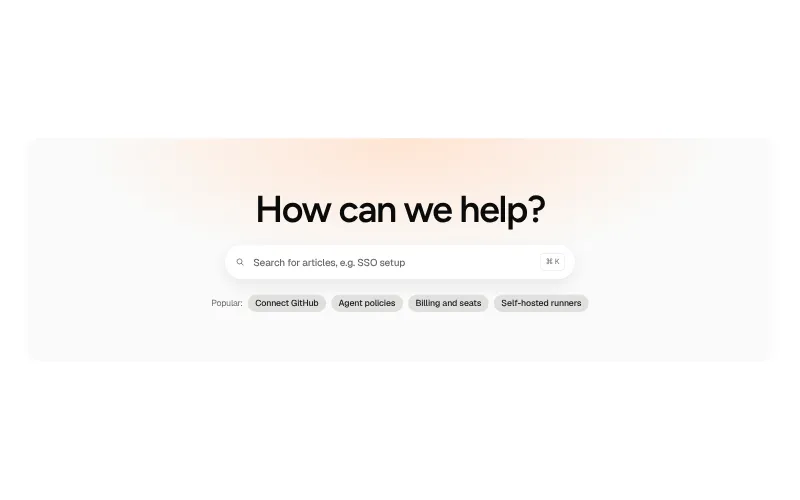
The top of every inner page. Tell visitors where they are and what the page is for before they scroll.
All variants on one page
Social proof
-
Logo cloud: #5
Early social proof. Customer logos right under the hero tell visitors that teams like theirs already rely on you.
All variants on one page -
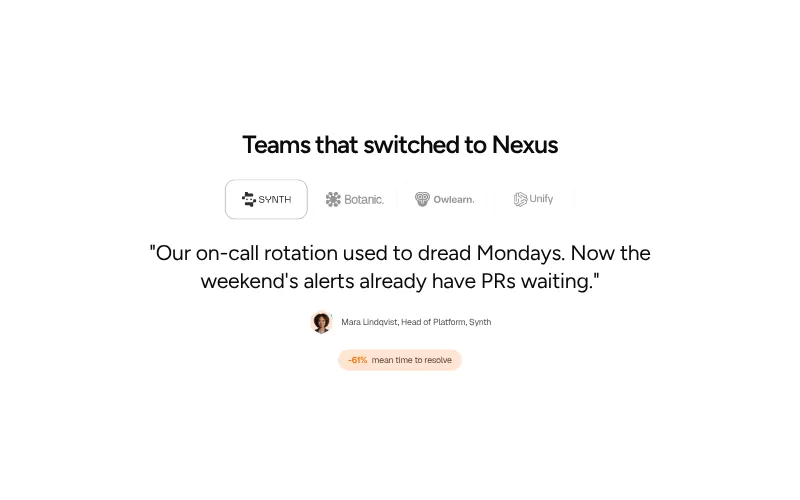
Testimonials: #5
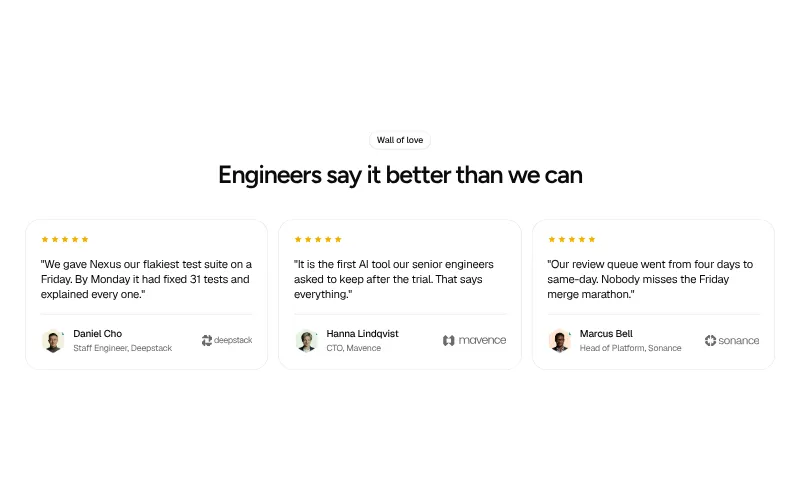
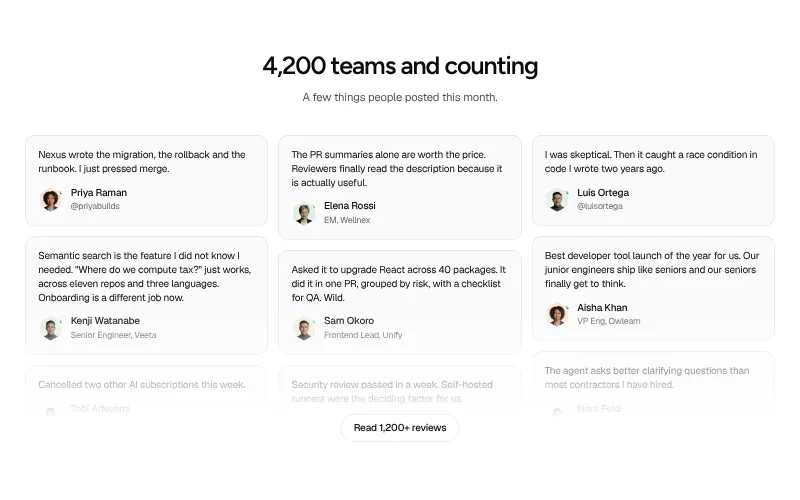
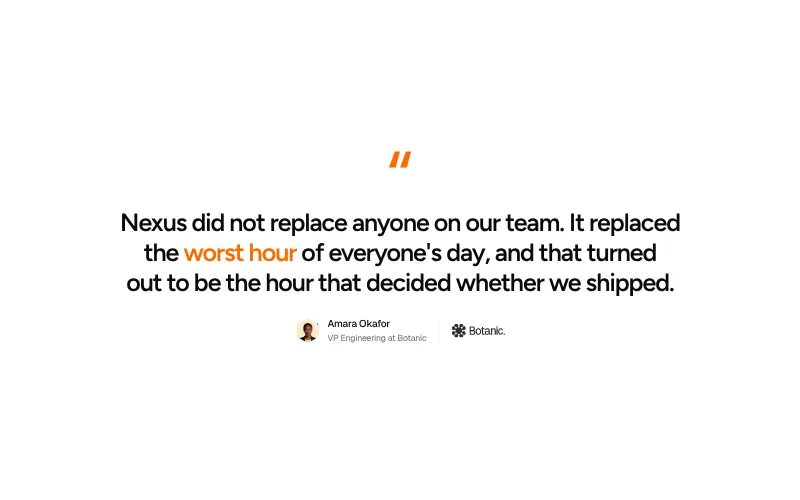
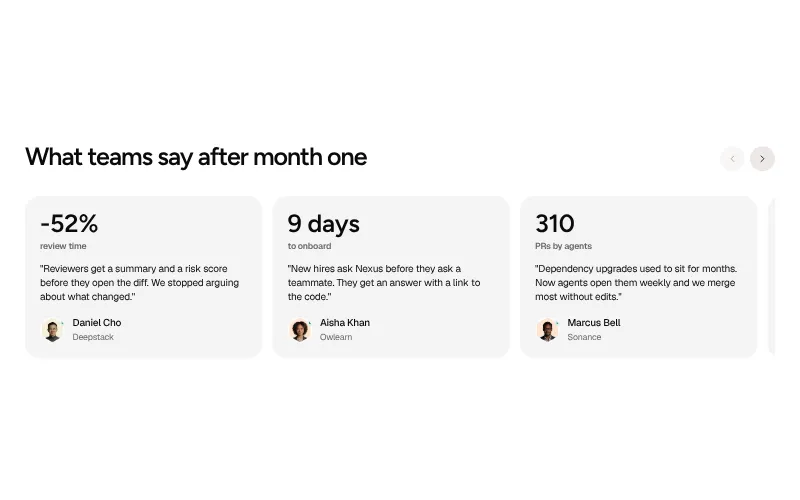
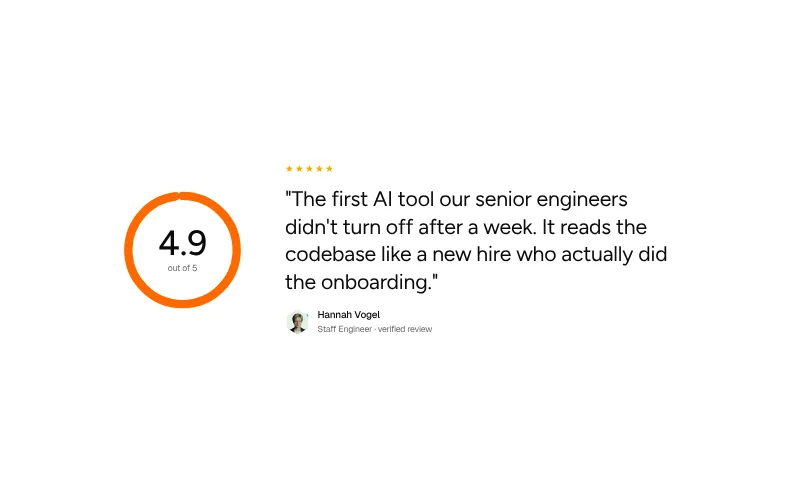
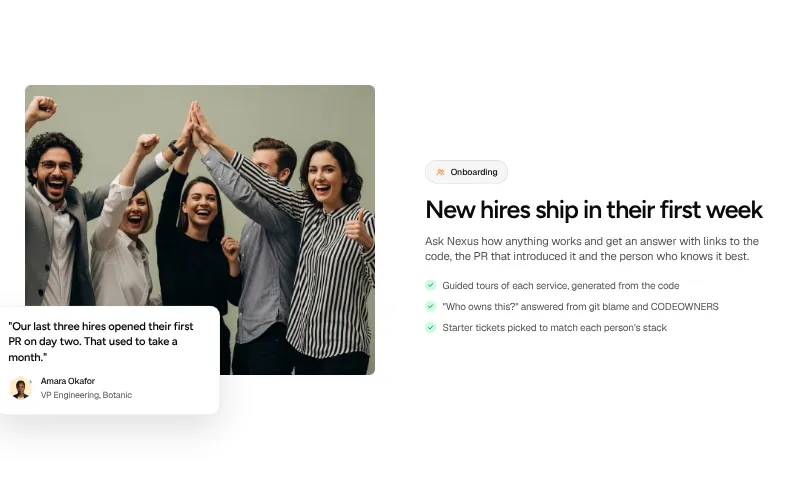
Named people with real roles saying specific things. Numbers and names beat adjectives.
All variants on one page -
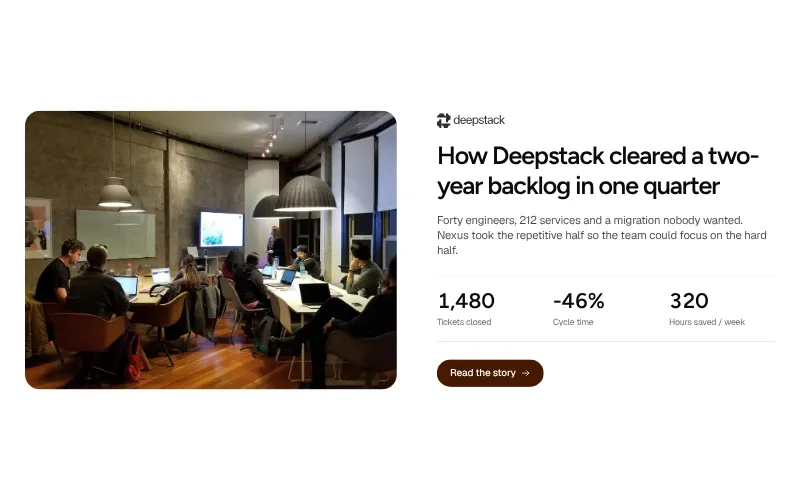
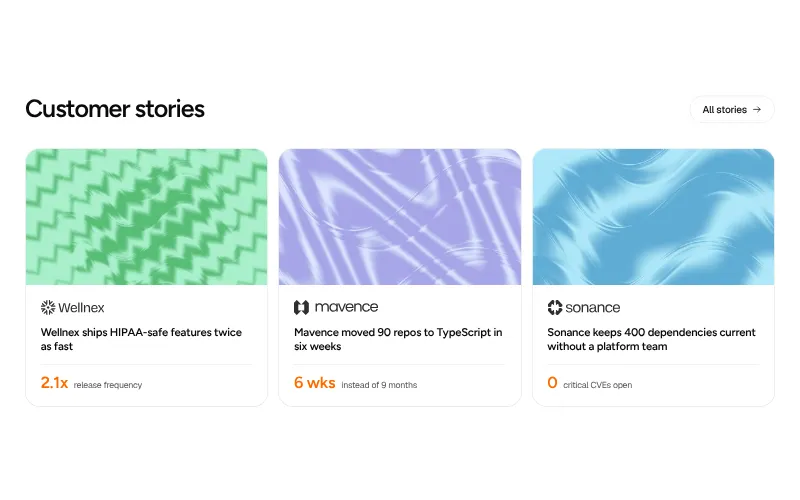
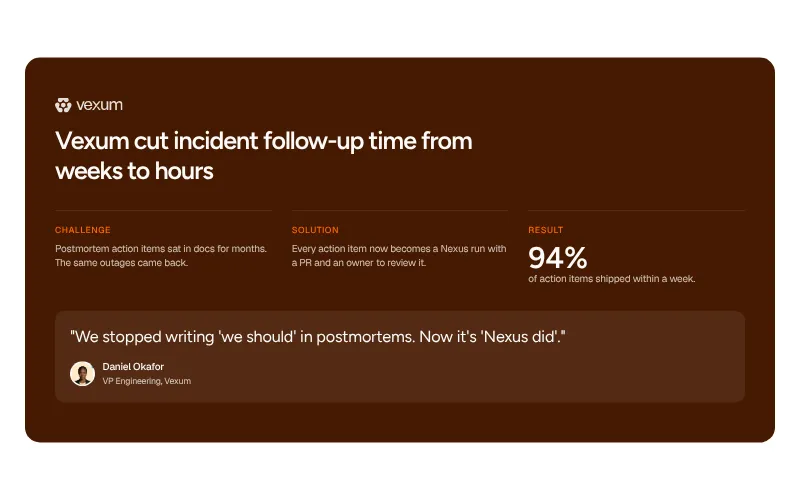
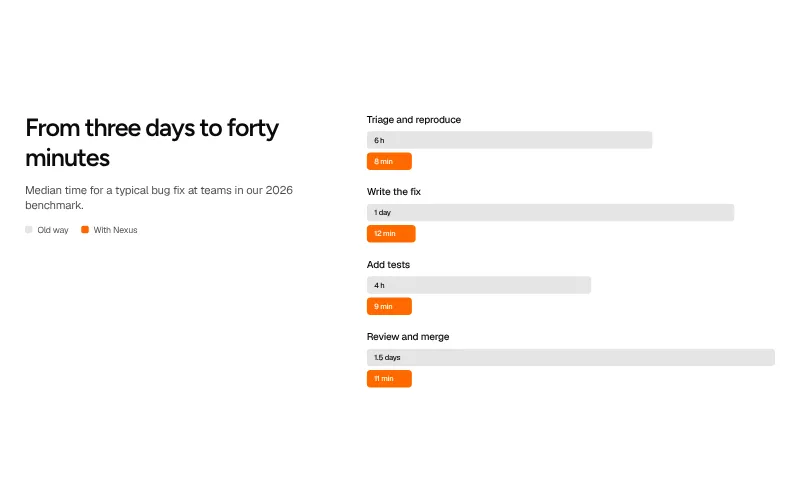
Case study: #5
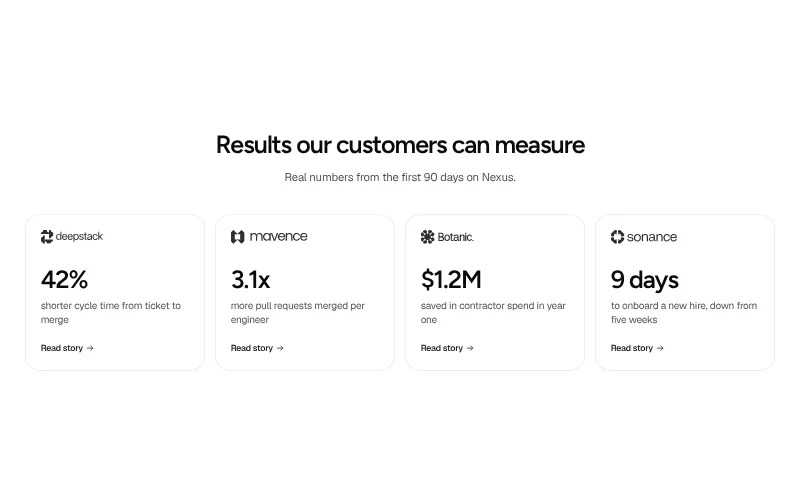
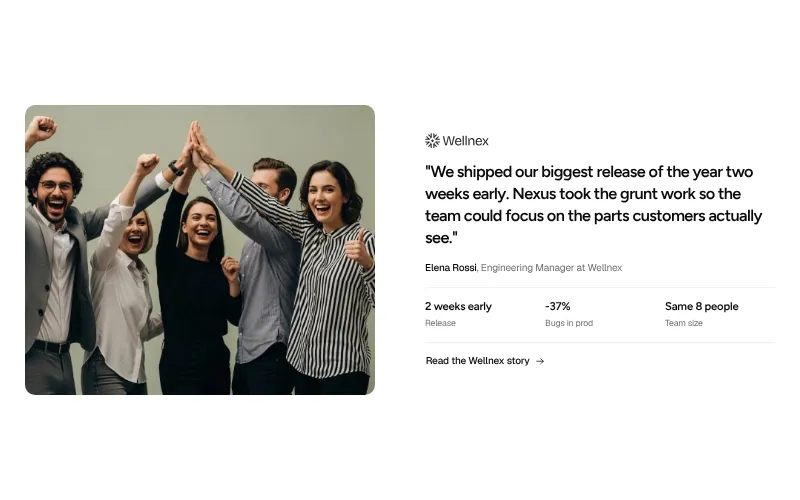
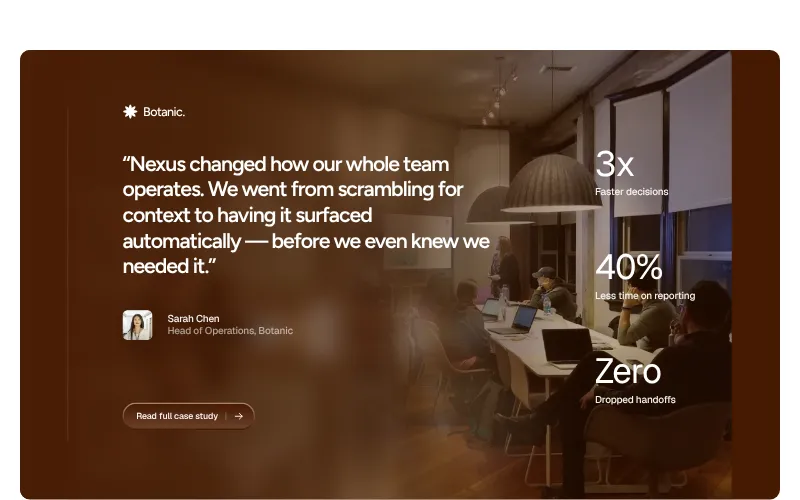
One customer's story with numbers. Name the company, the problem, what changed and by how much.
All variants on one page -
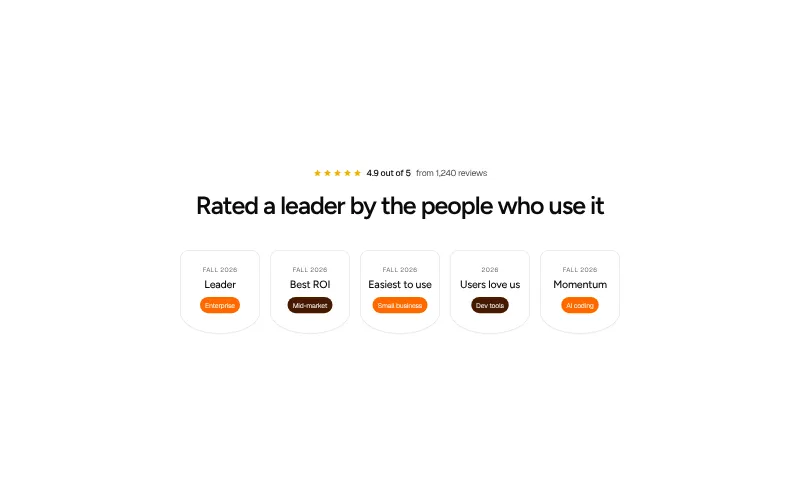
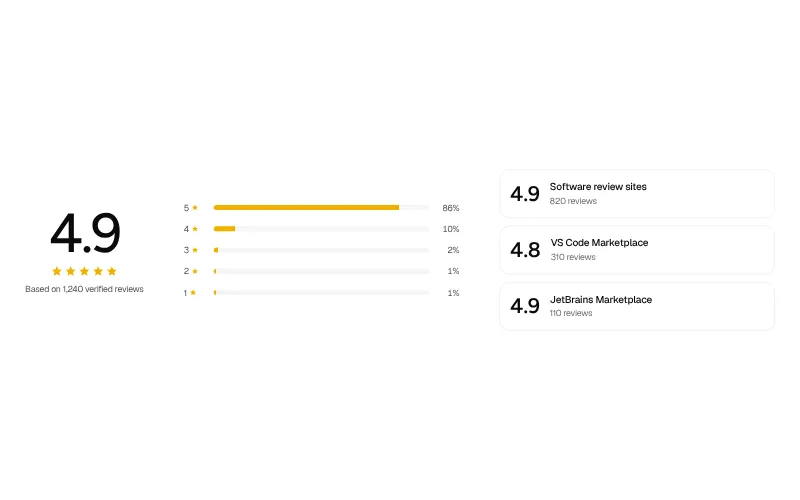
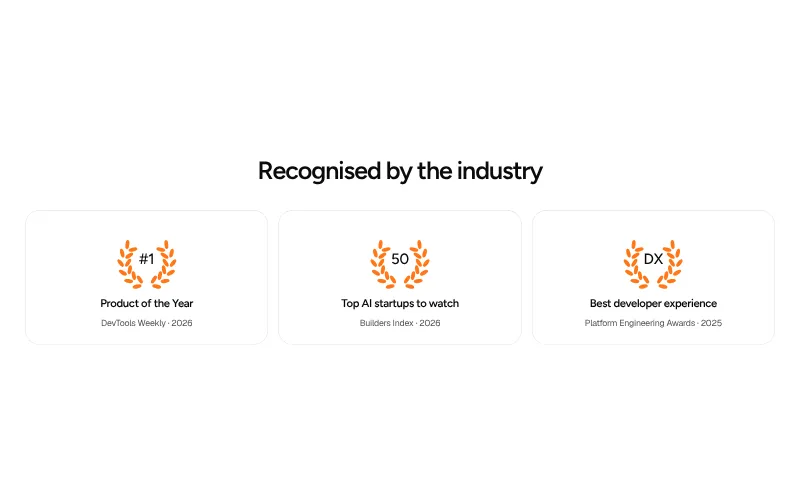
Ratings & awards: #5
Third-party proof in one glance: review scores, category badges and awards that a buyer can check.
All variants on one page -
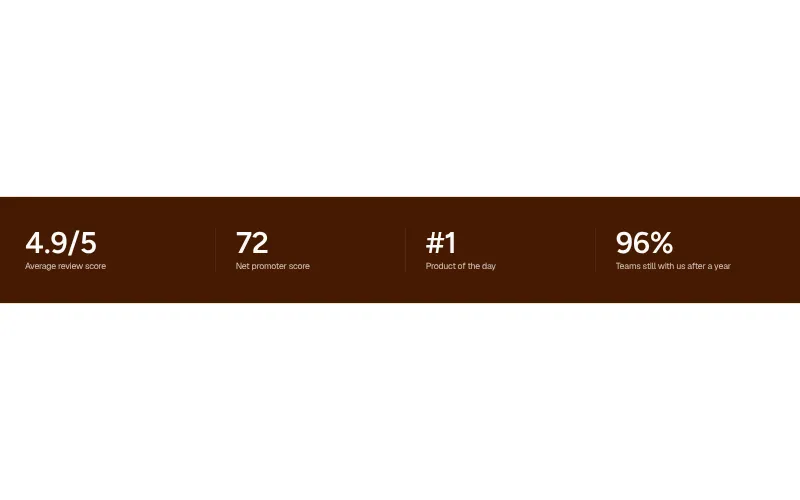
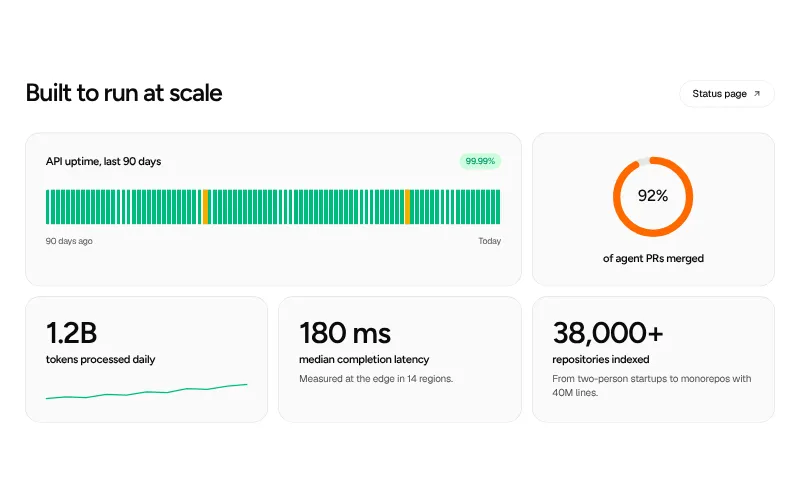
Stats: #5
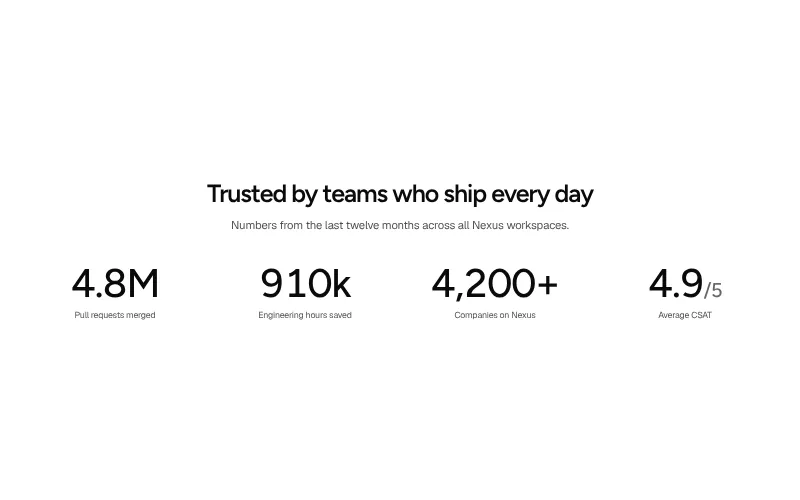
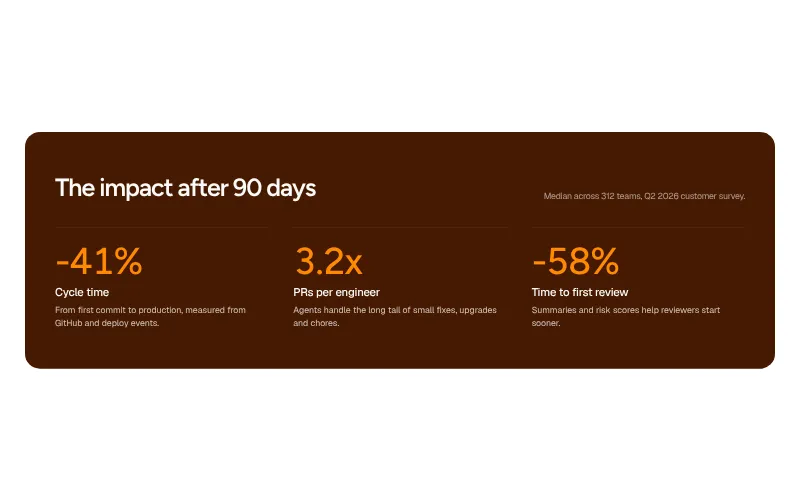
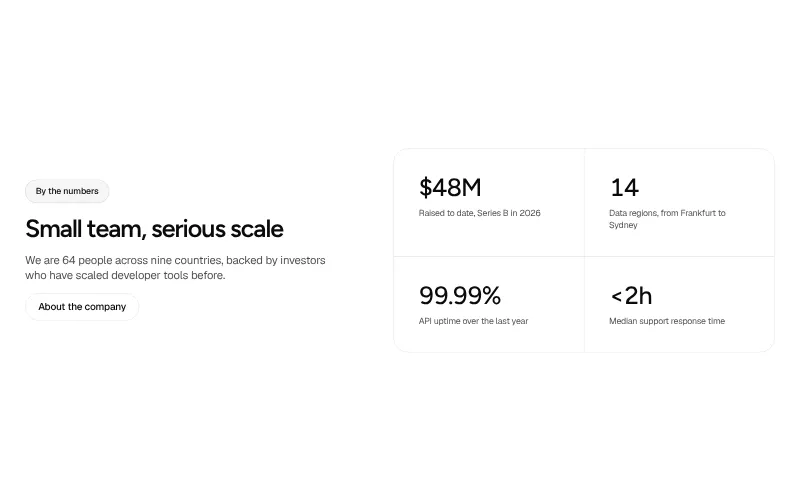
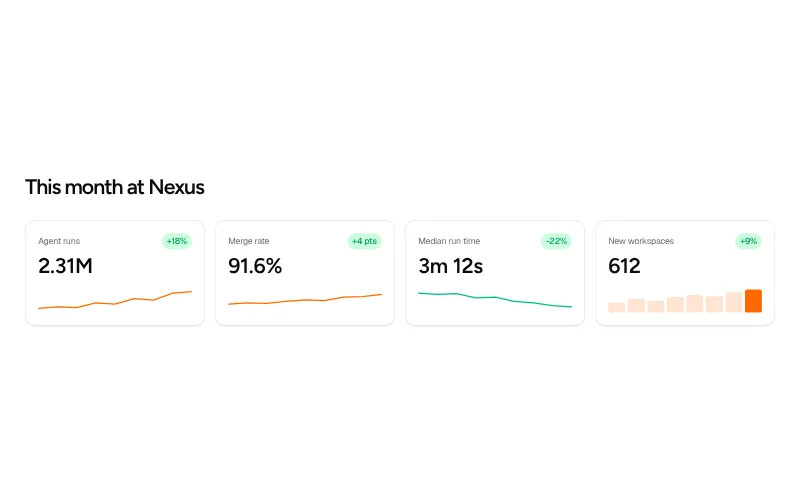
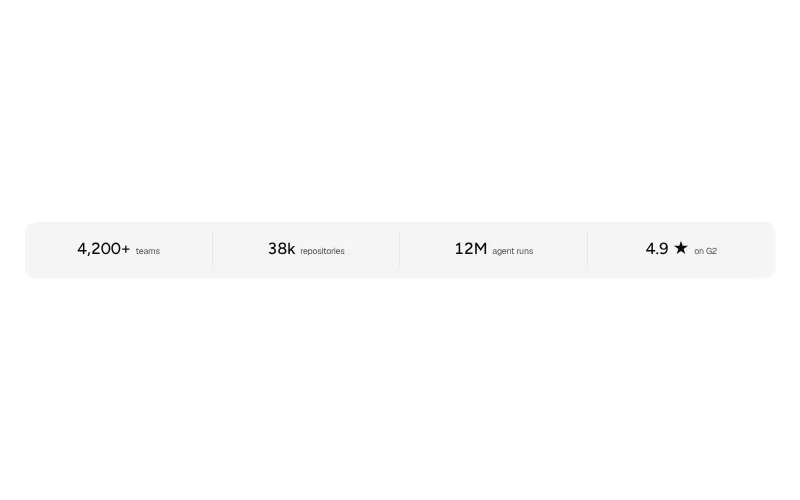
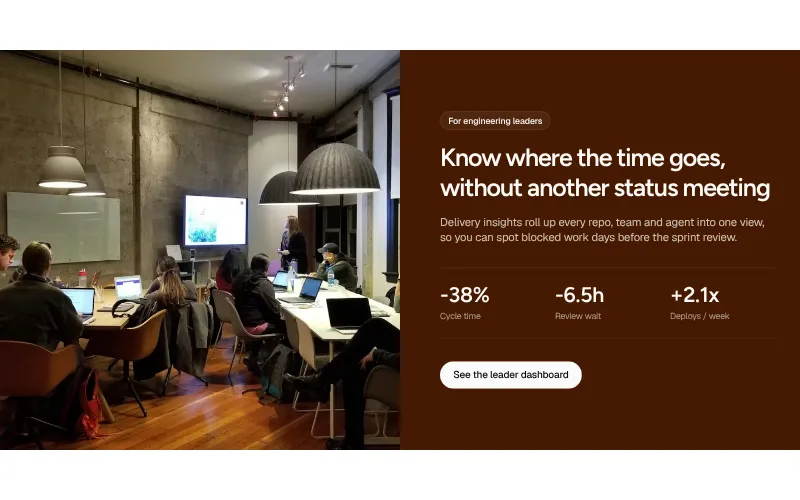
Numbers that prove scale or impact. Keep them few, specific and sourced.
All variants on one page
Product and features
-
Feature grid: #5
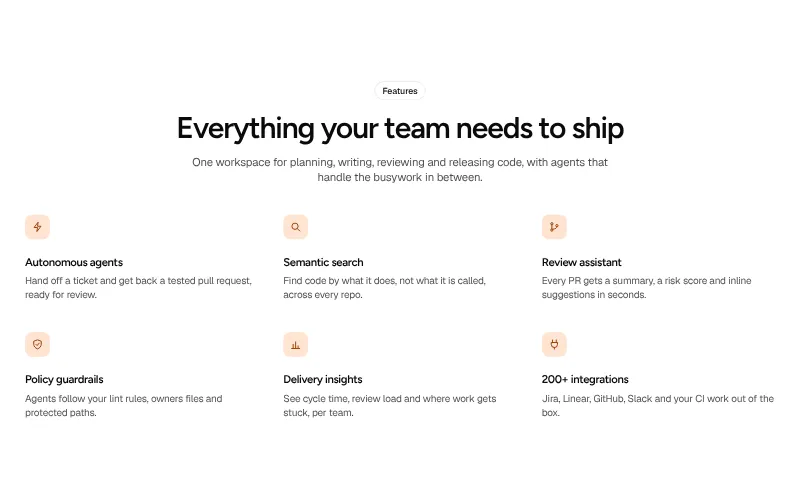
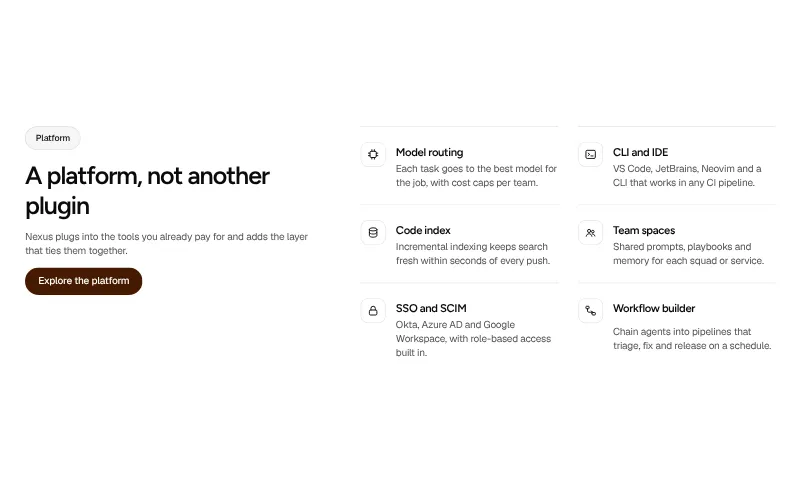
The quick scan of what the product does. Short titles, one-line benefits, icons that help the eye move.
All variants on one page -
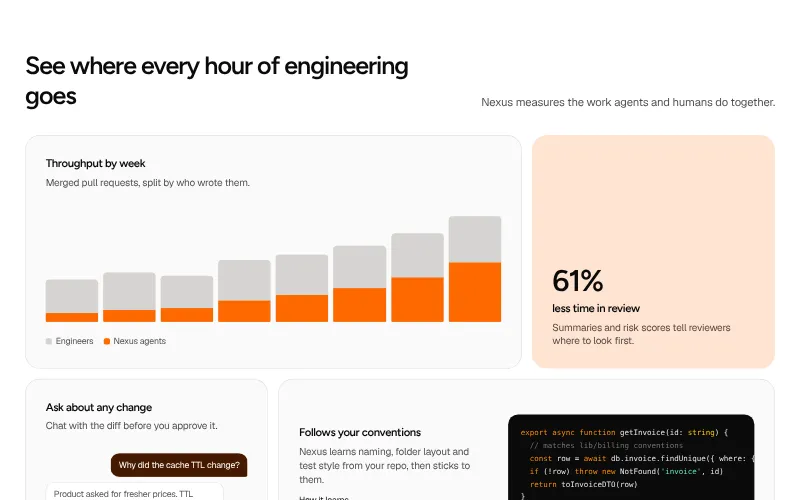
Bento grid: #5
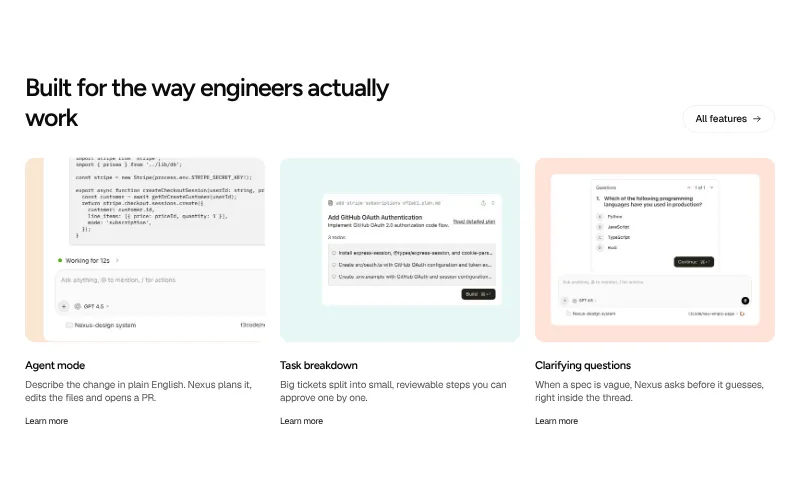
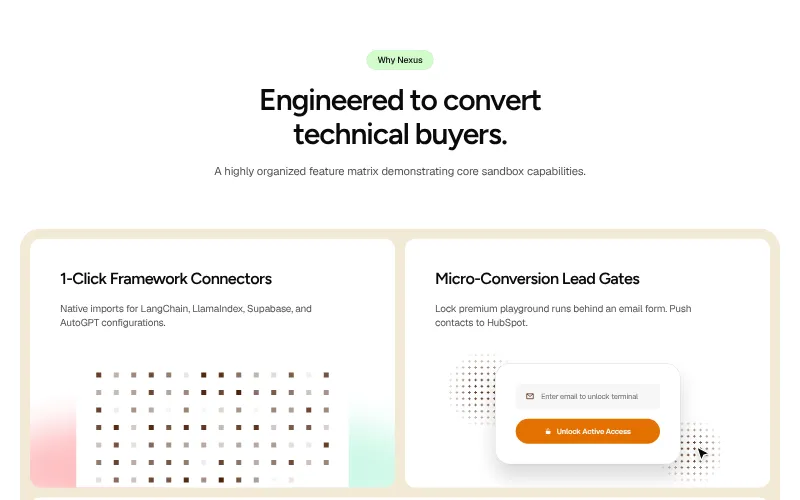
Mixed-size tiles that show several features at once, each with a small visual instead of a wall of text.
All variants on one page -
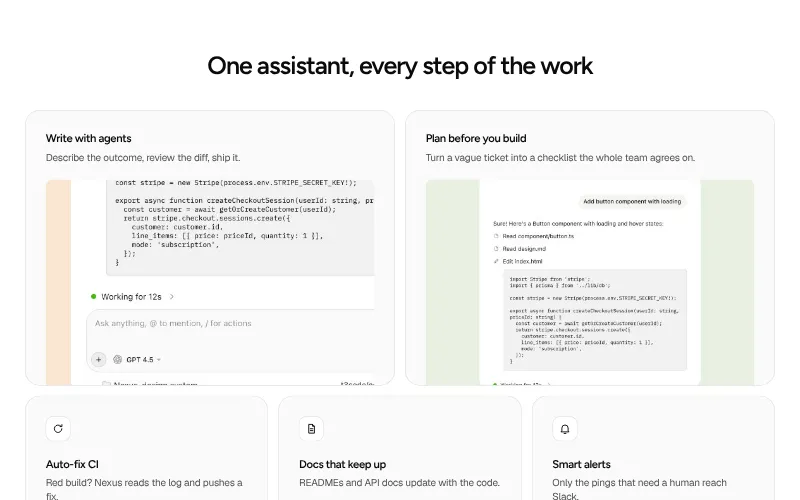
Feature split: #5
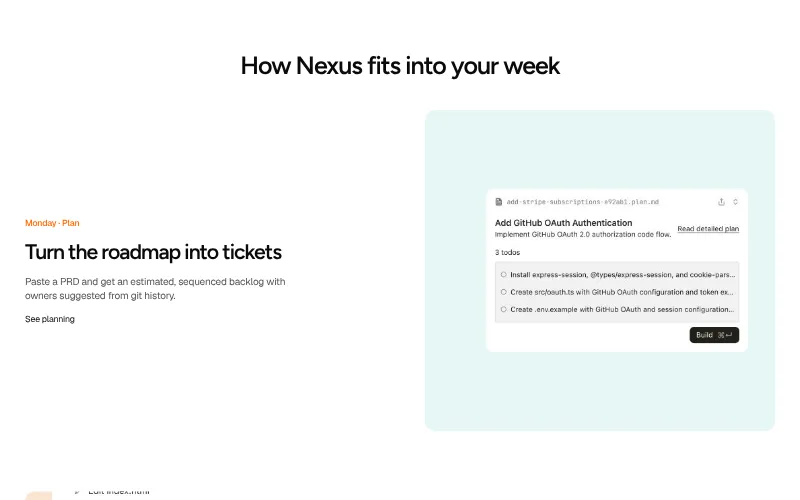
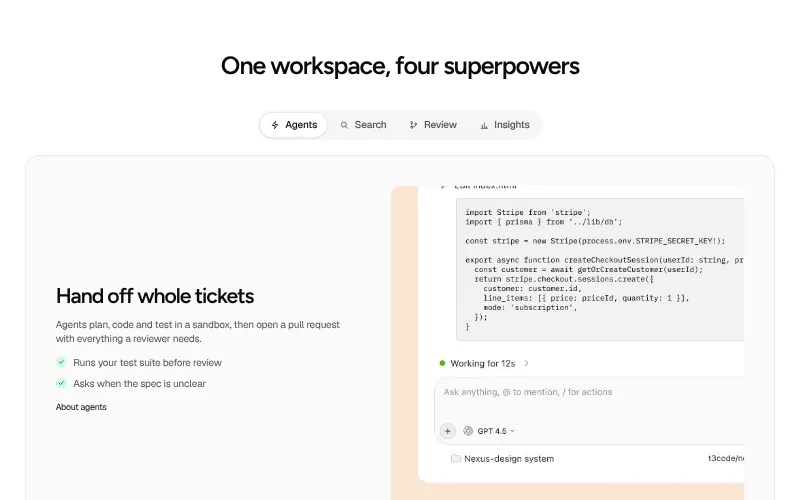
One feature explained in depth: copy on one side, a visual on the other. Stack several for a feature tour.
All variants on one page -
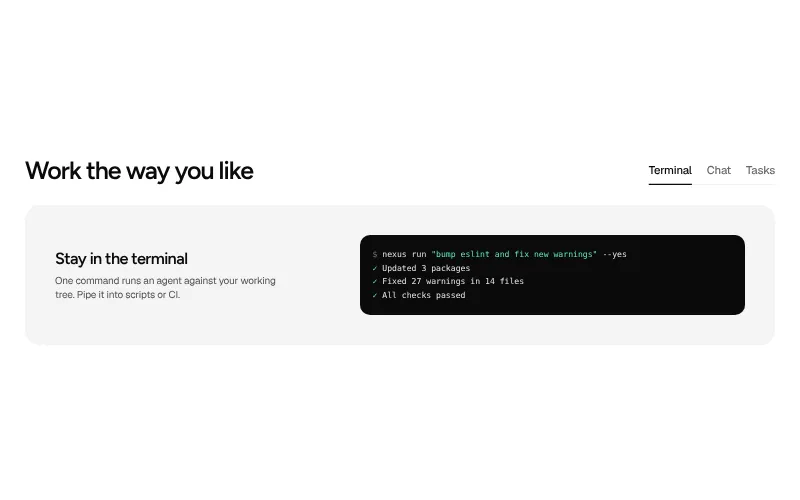
Feature tabs: #5
Several features in the space of one. Tabs let visitors pick what matters to them without scrolling forever.
All variants on one page -
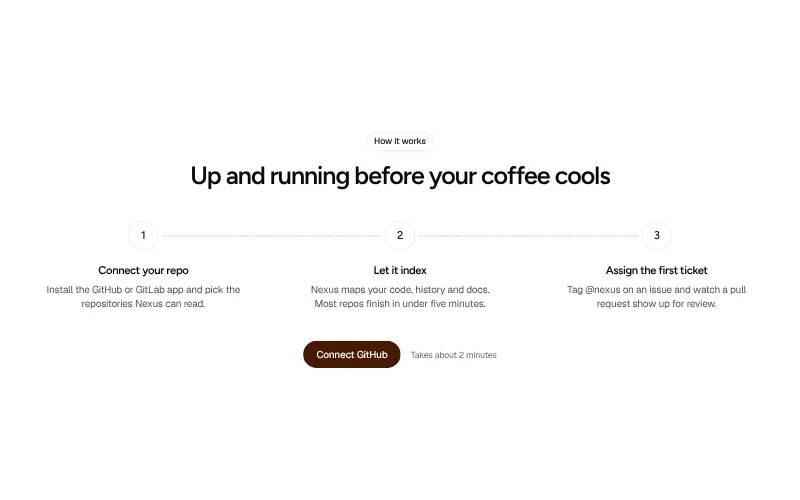
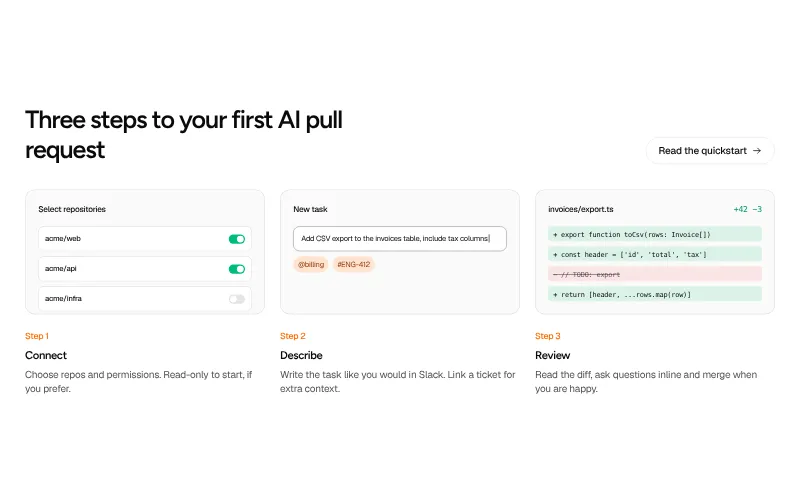
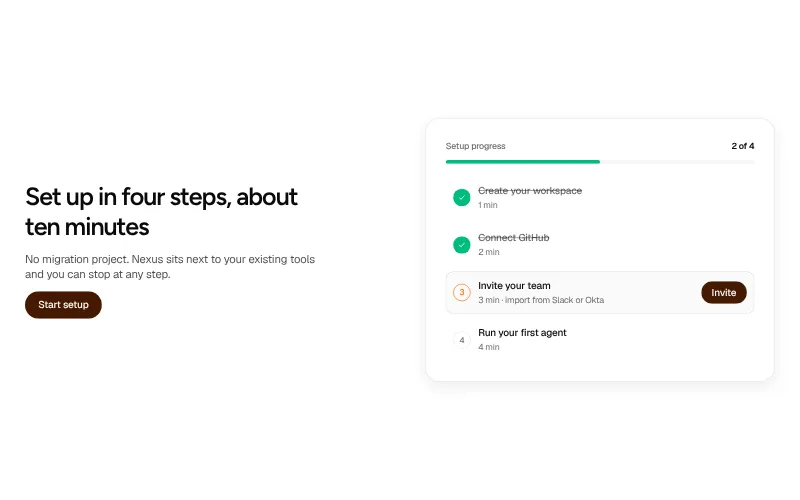
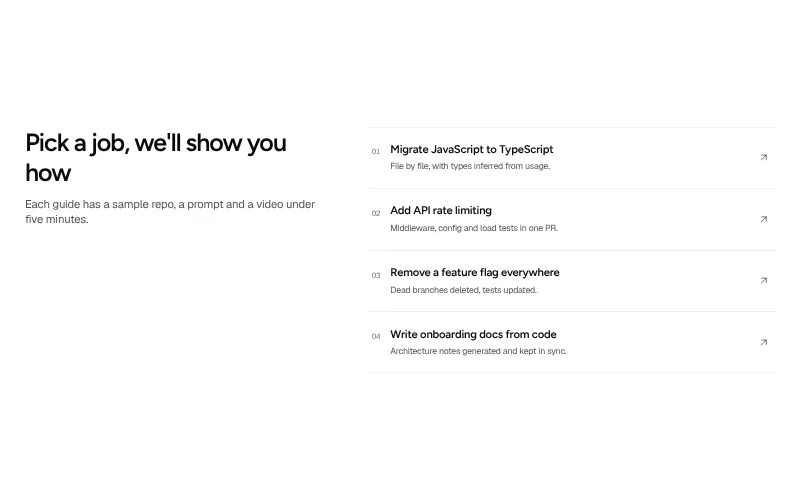
How it works: #5
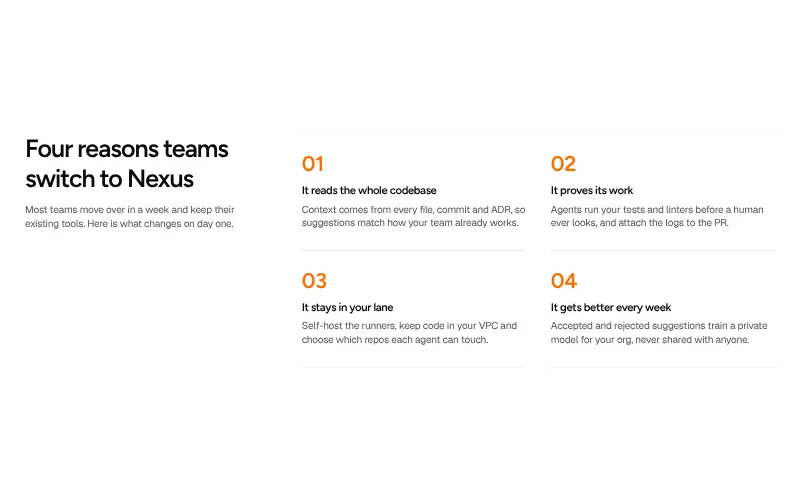
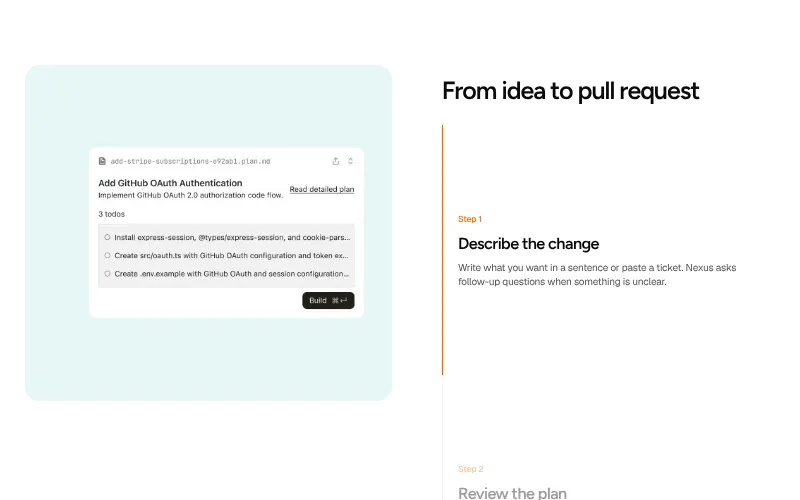
Three or four steps from signup to value. Lowers the perceived effort of getting started.
All variants on one page -
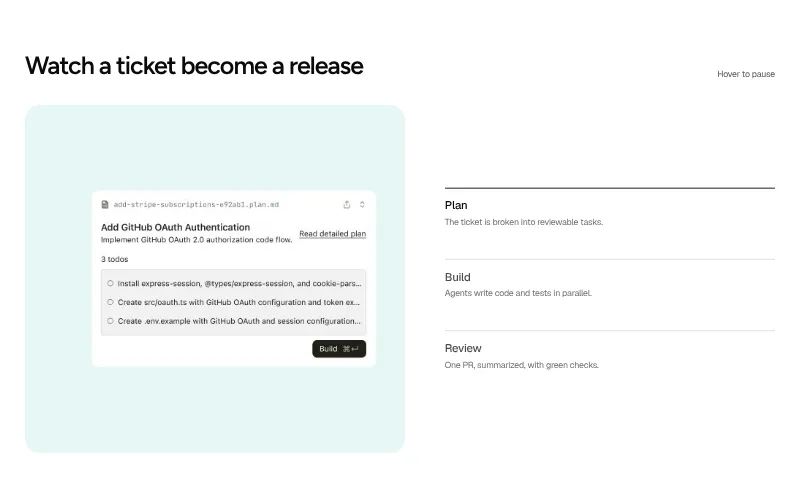
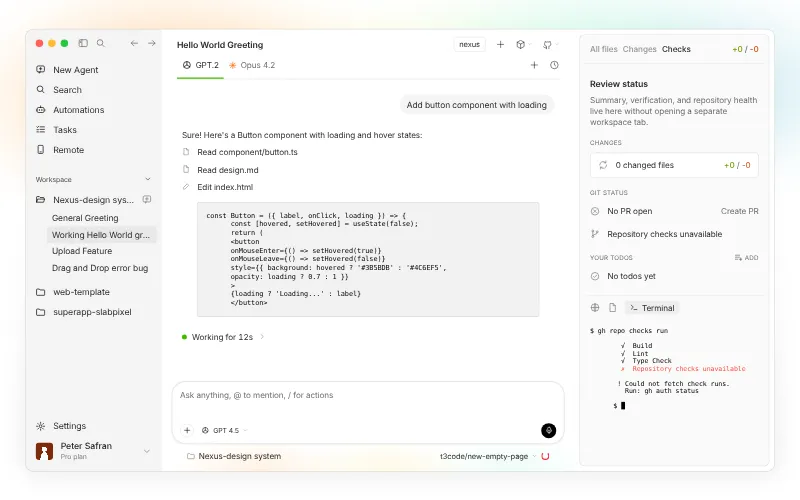
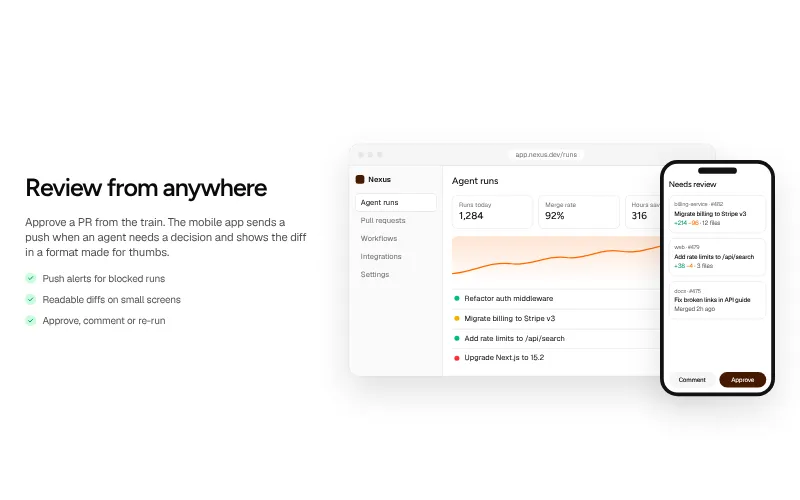
Product demo: #6
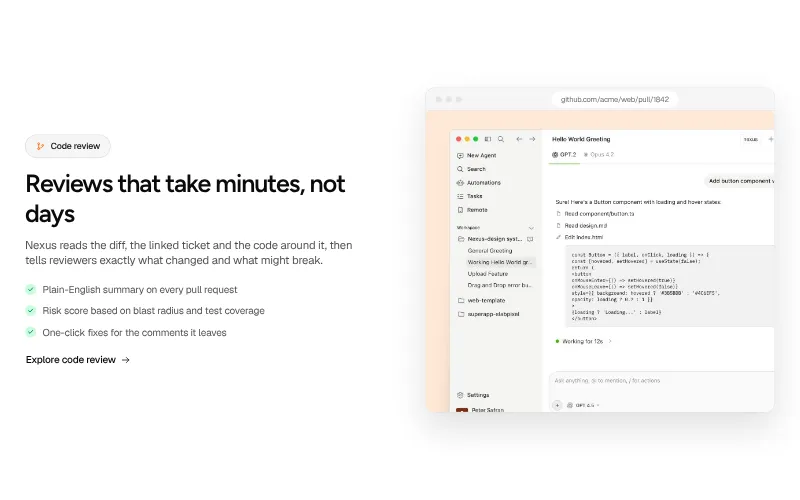
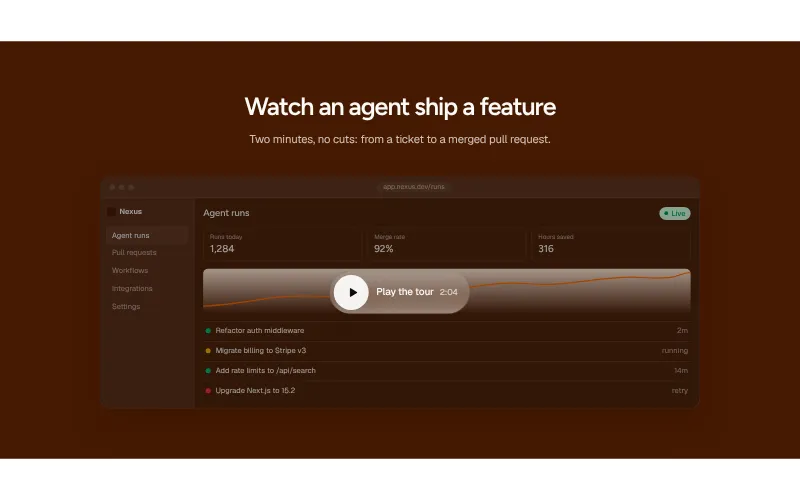
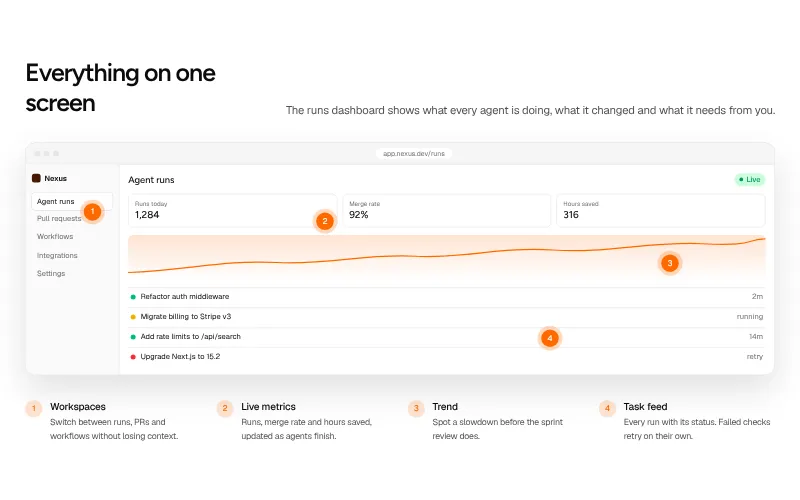
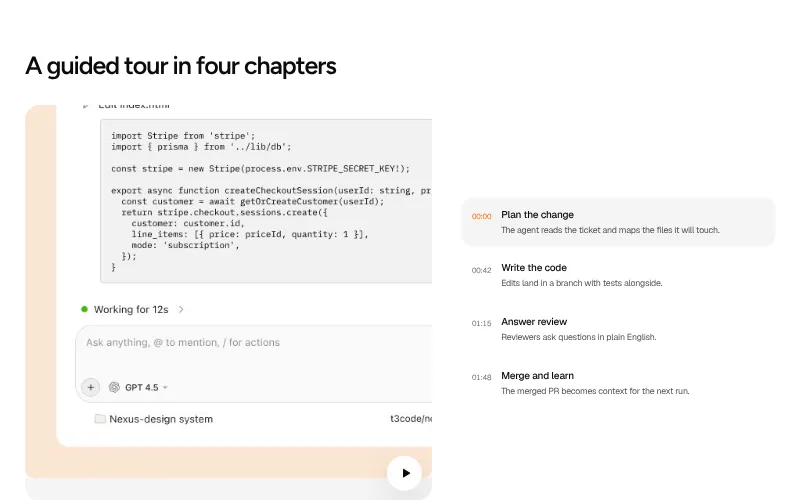
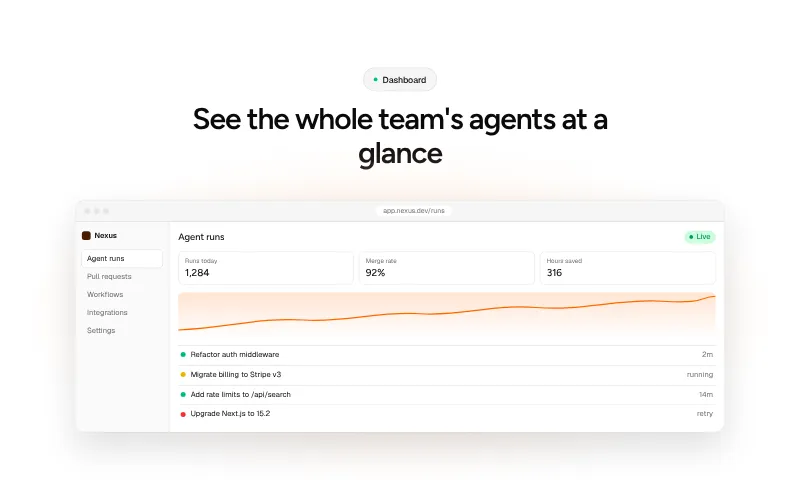
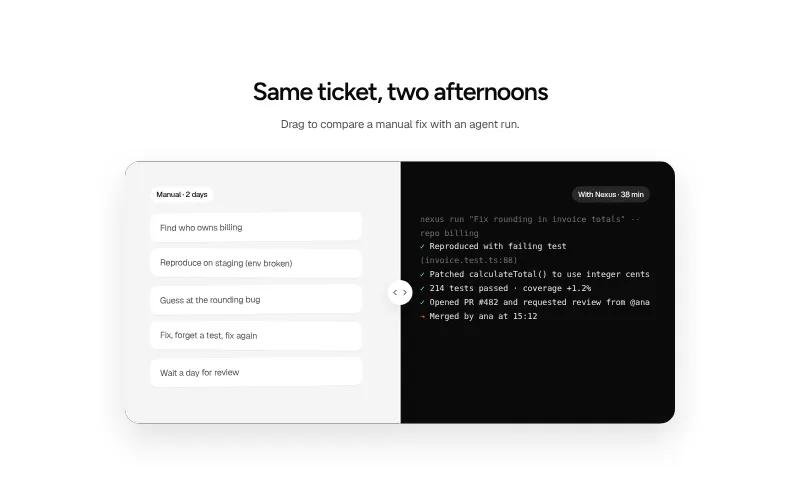
Show the product doing the job. A screenshot, a short video or an annotated walkthrough beats any paragraph of copy.
All variants on one page -
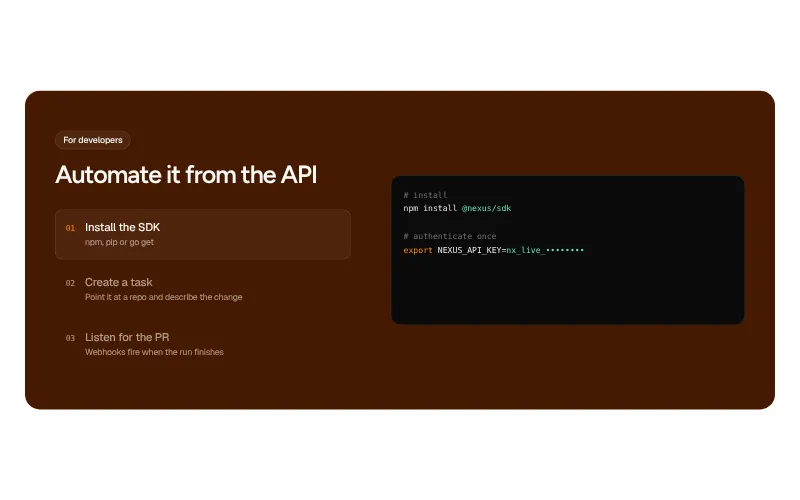
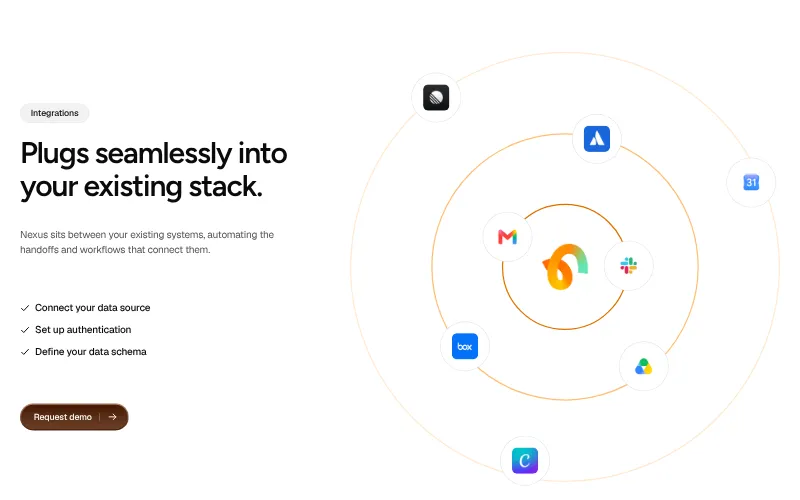
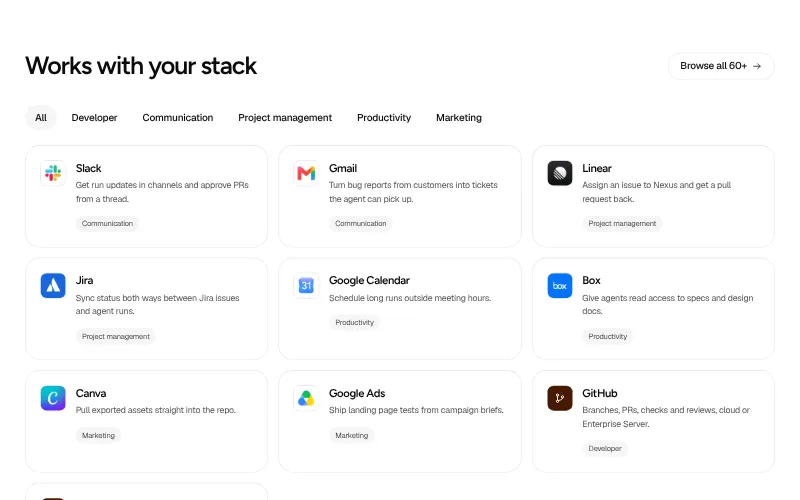
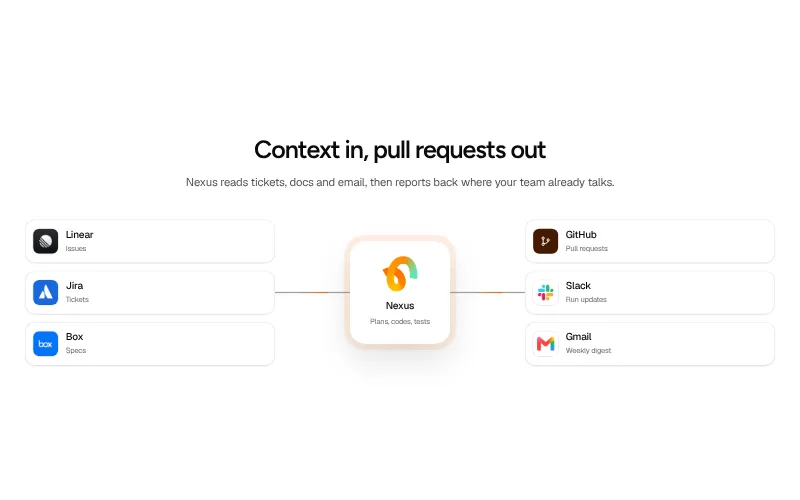
Integrations: #6
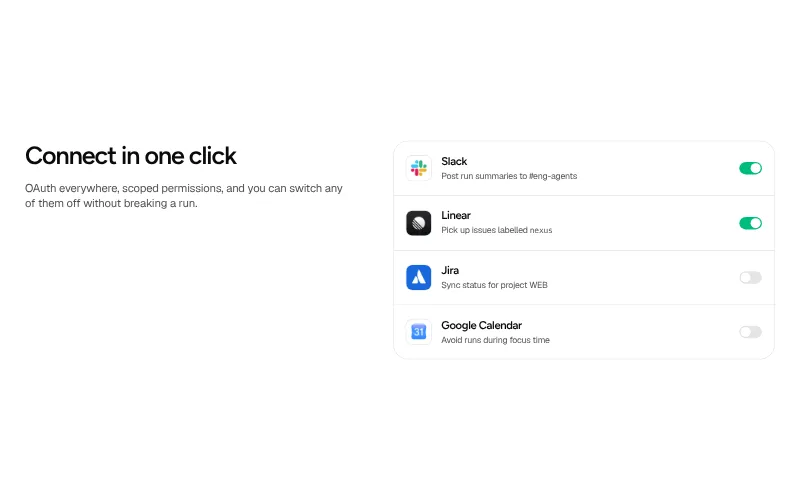
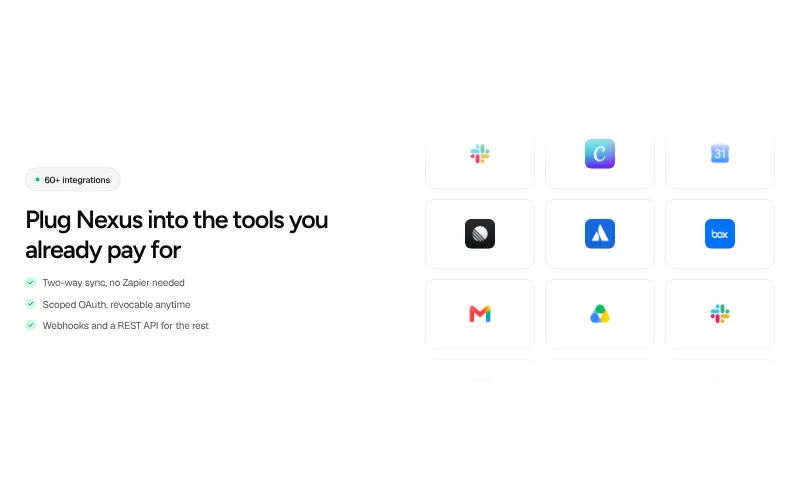
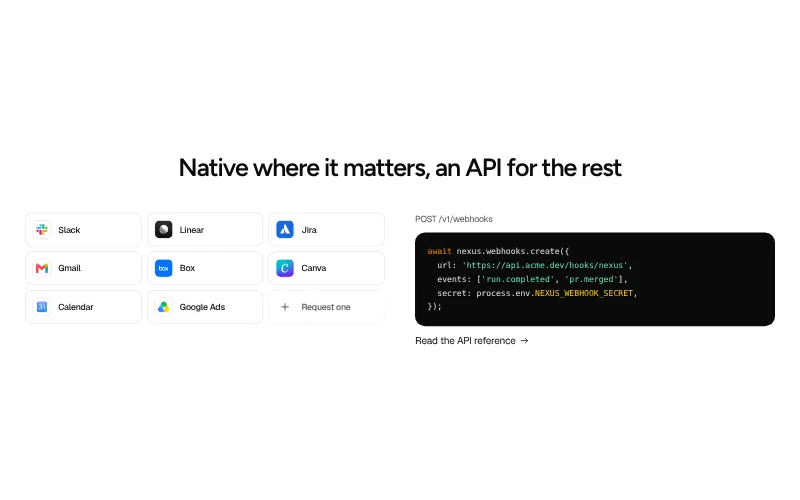
Show that the product fits the stack people already use. Logos earn trust; a short line on what each one does earns the click.
All variants on one page -
Use cases: #5
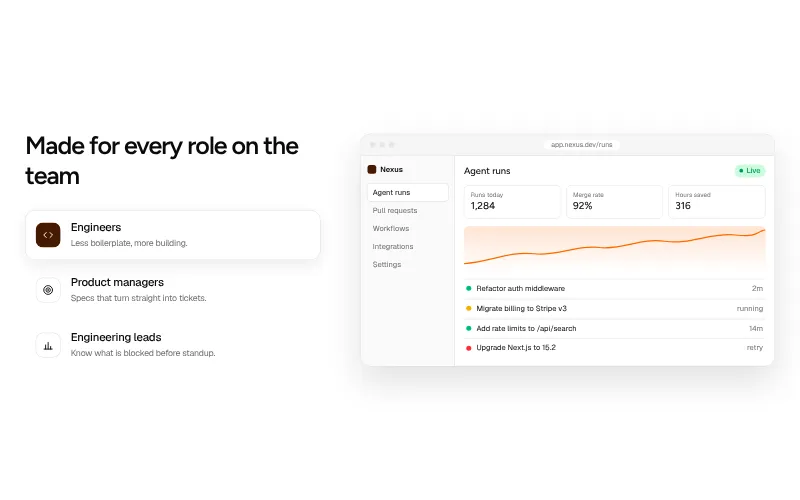
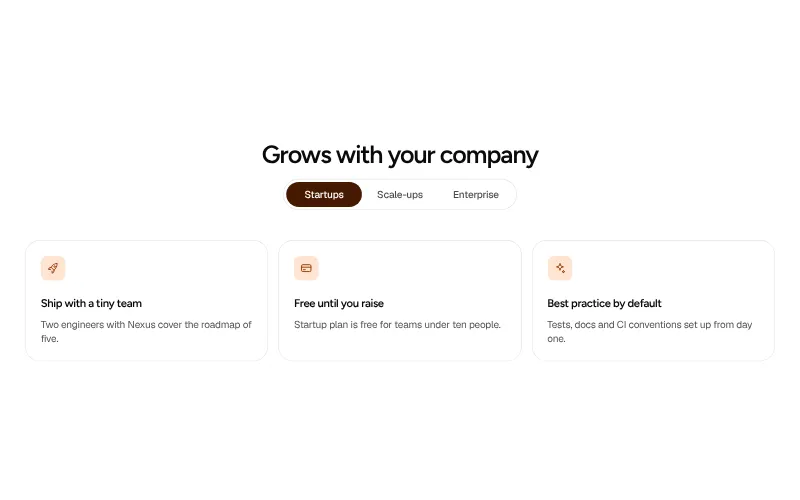
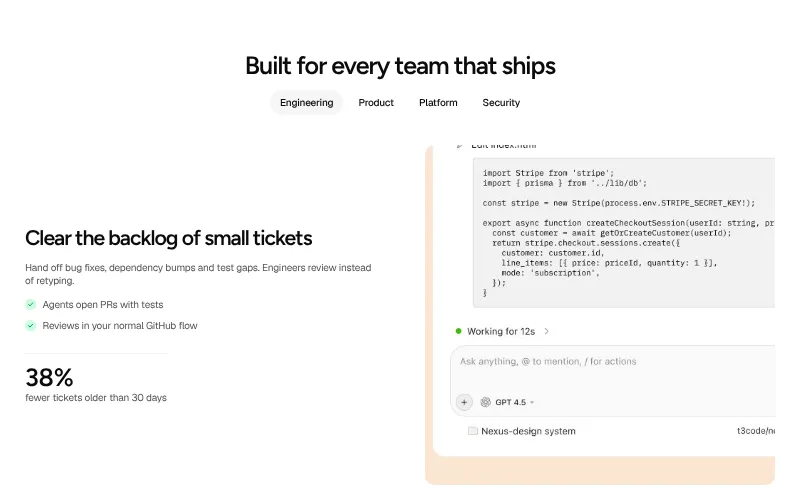
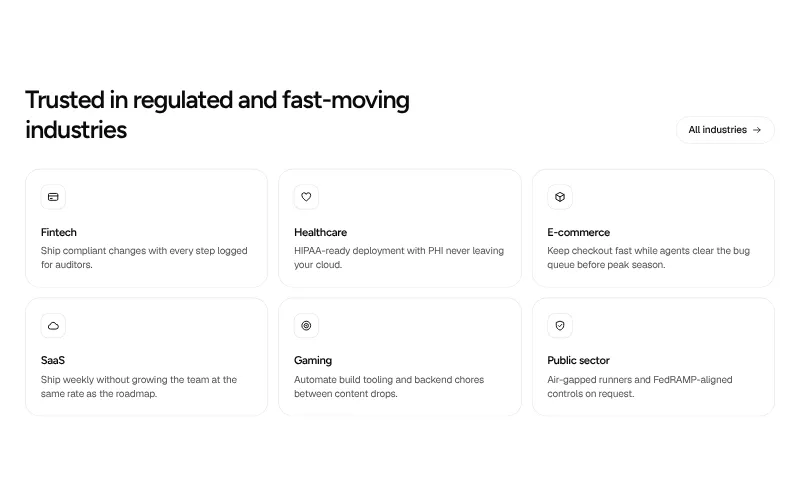
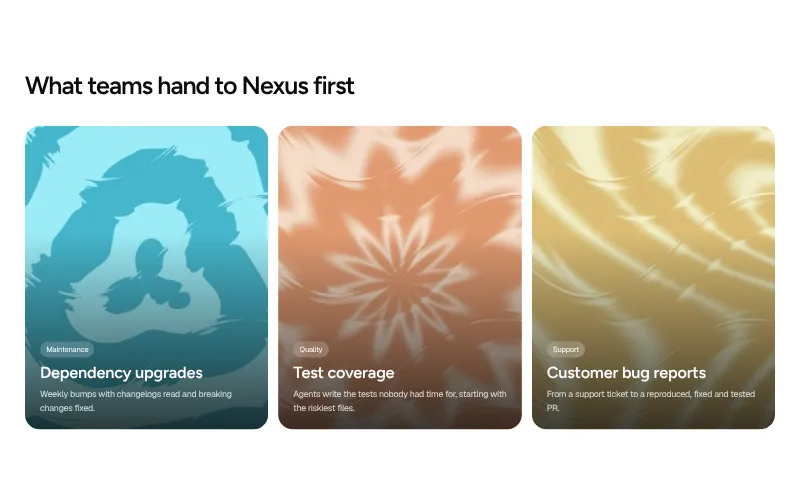
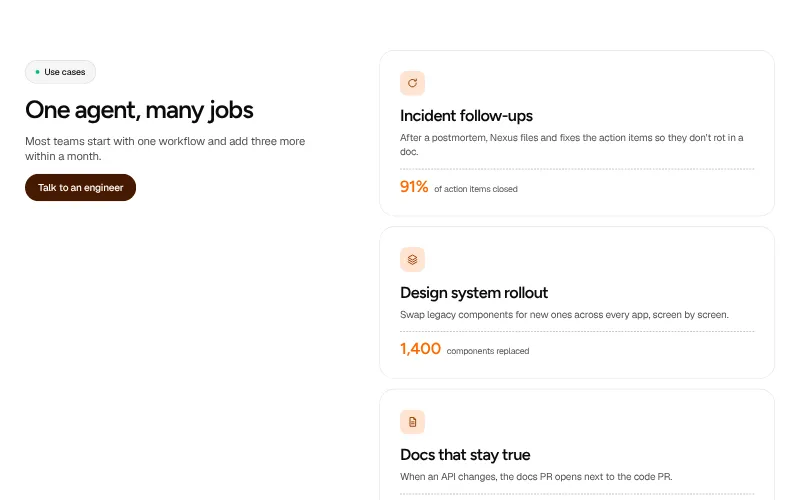
Help each visitor find themselves on the page: by role, by team or by industry, with a concrete job the product does for them.
All variants on one page -
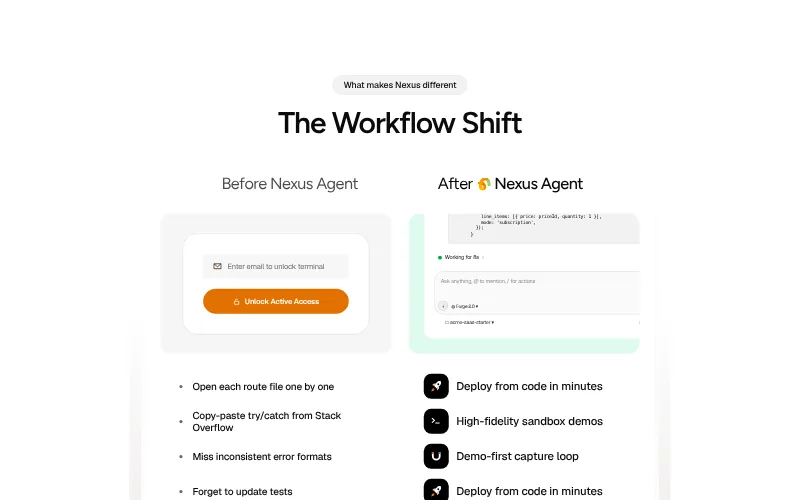
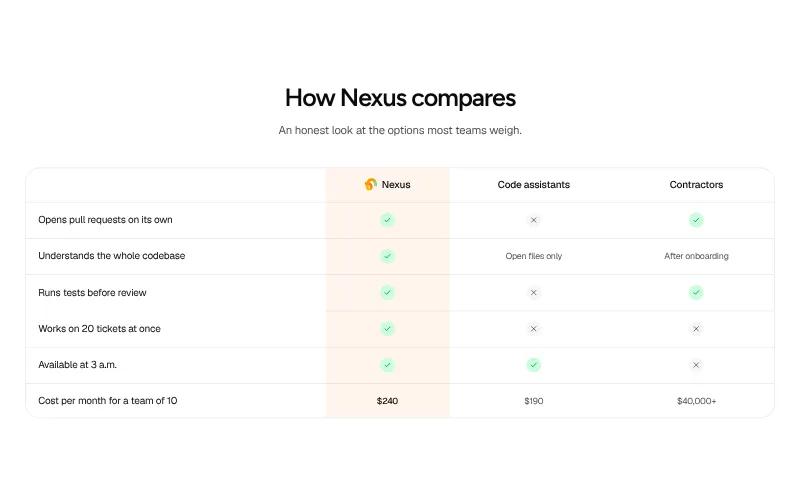
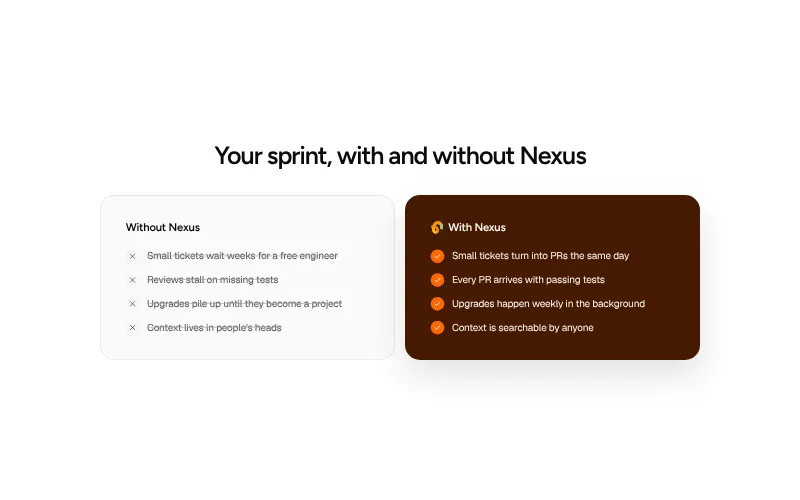
Comparison: #6
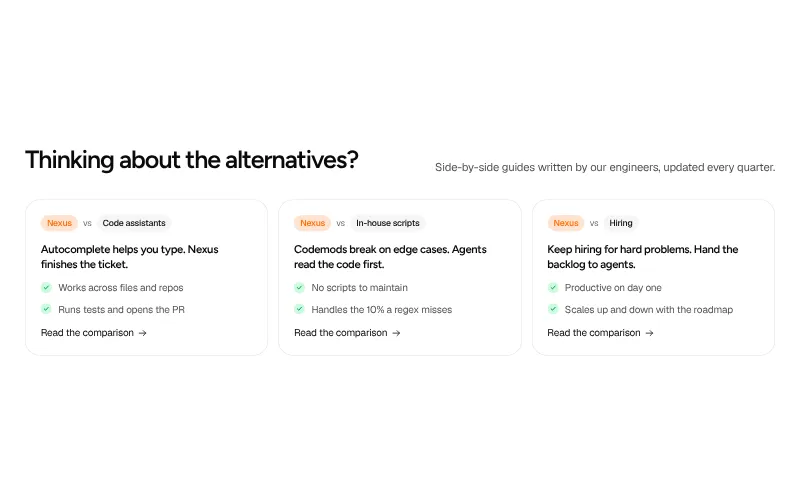
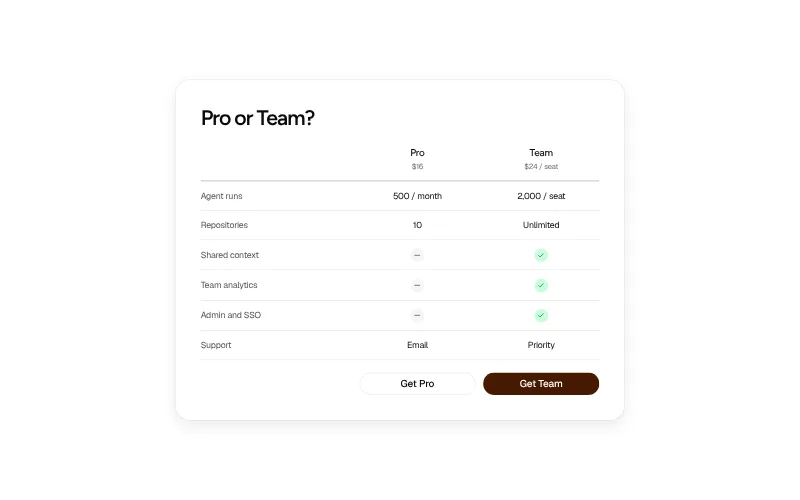
Answer "why not the alternative?" before a buyer asks. Compare against the status quo, a category or a named competitor.
All variants on one page -
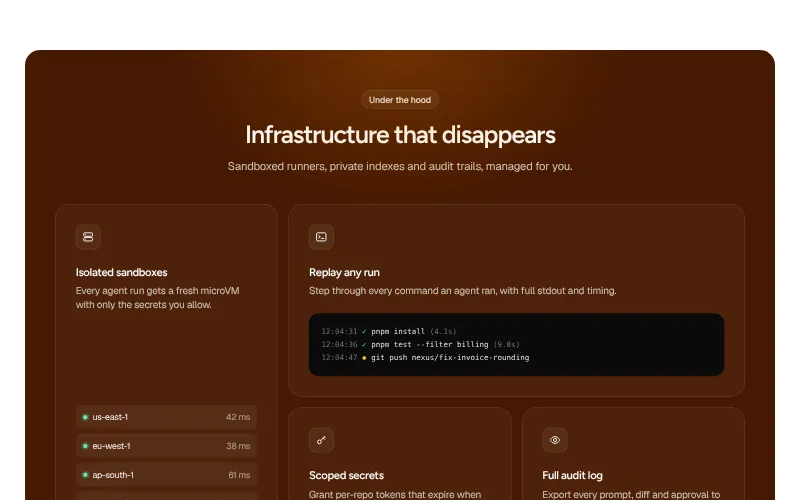
Security: #5
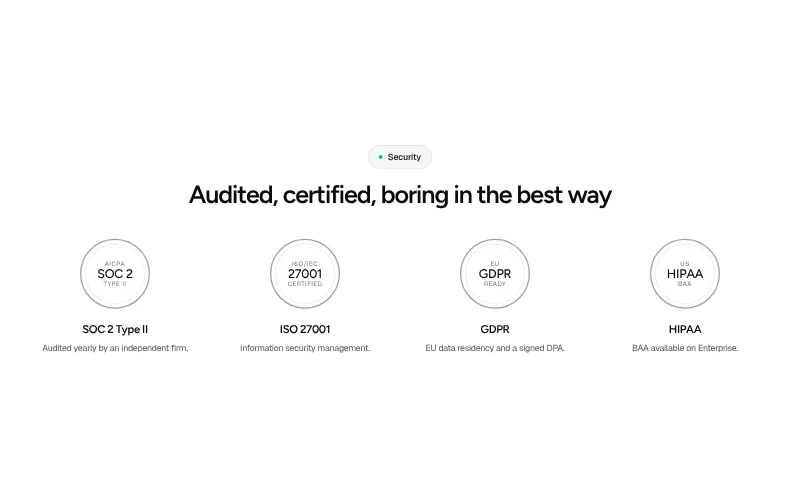
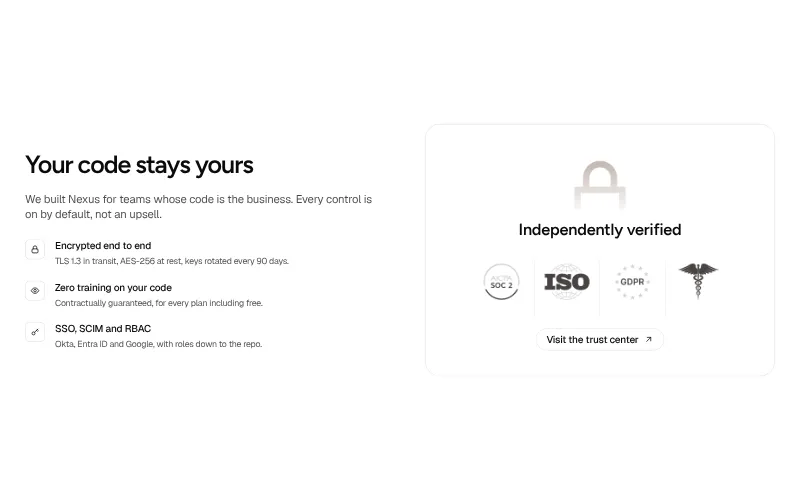
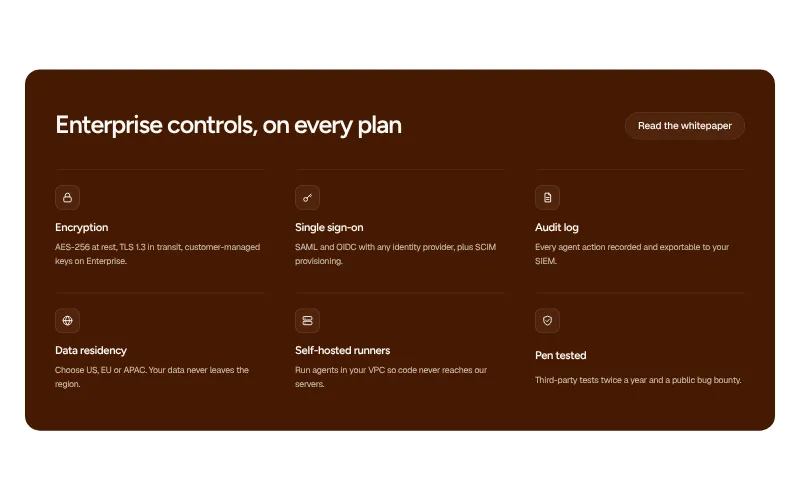
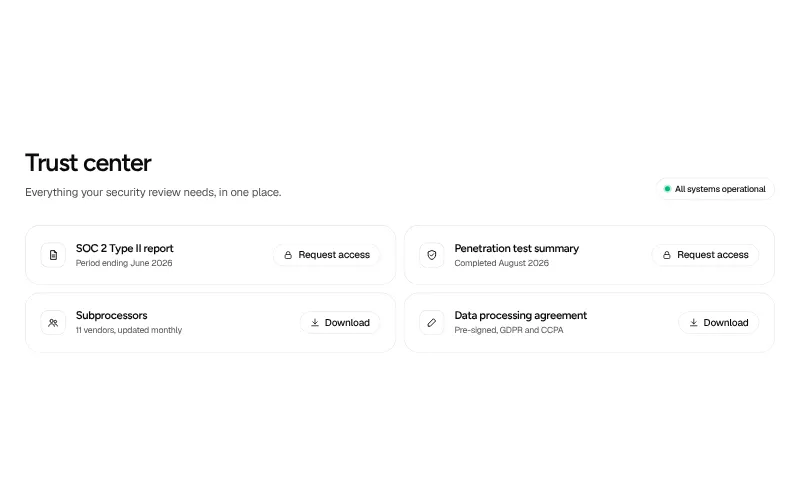
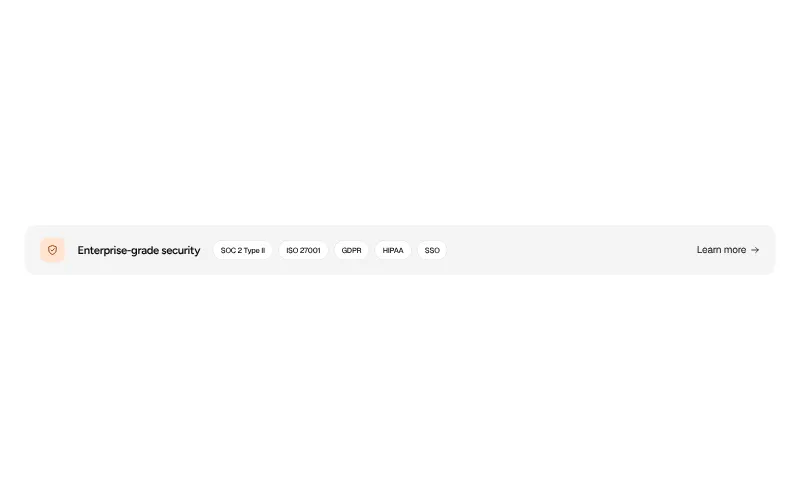
Clear the security review before procurement asks. Certifications, controls and where to read the details.
All variants on one page
Conversion
-
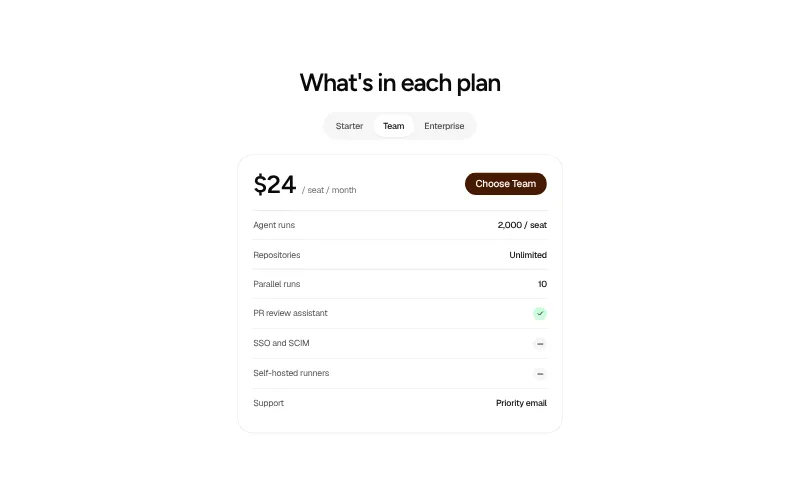
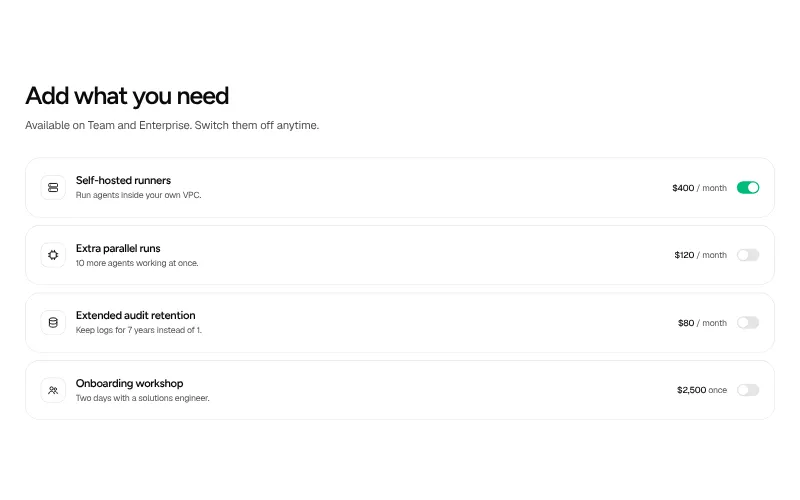
Pricing: #5
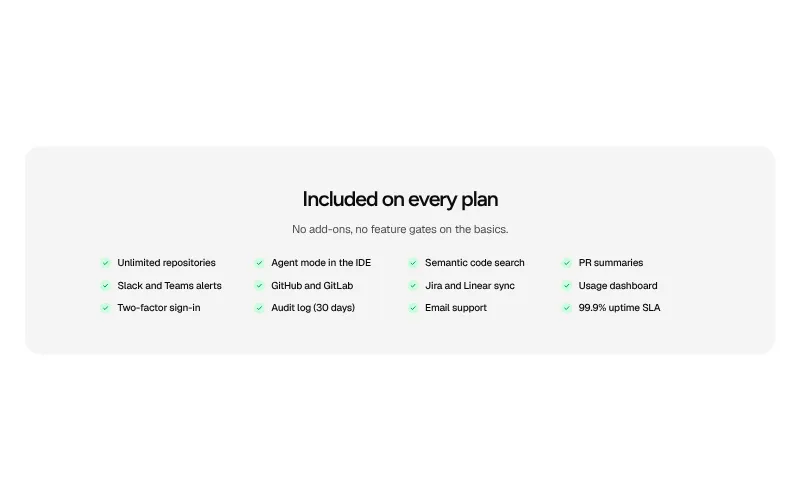
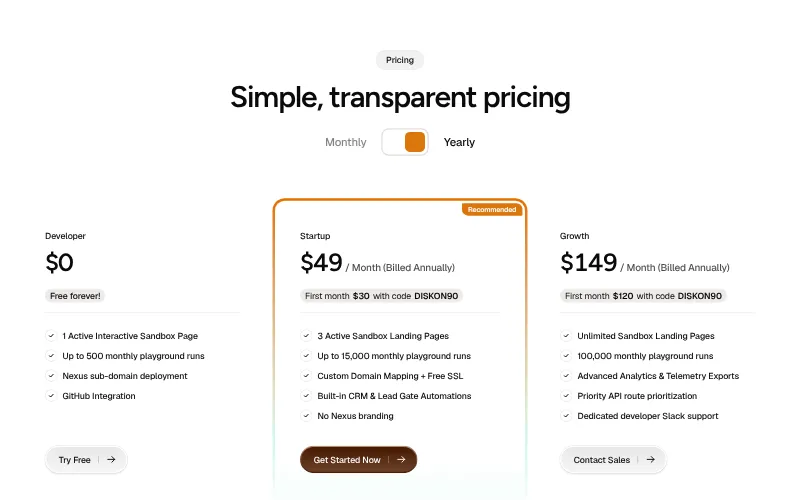
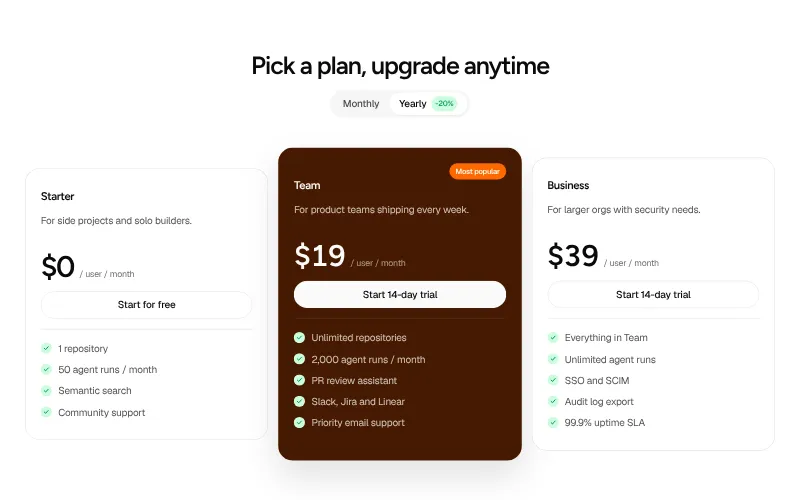
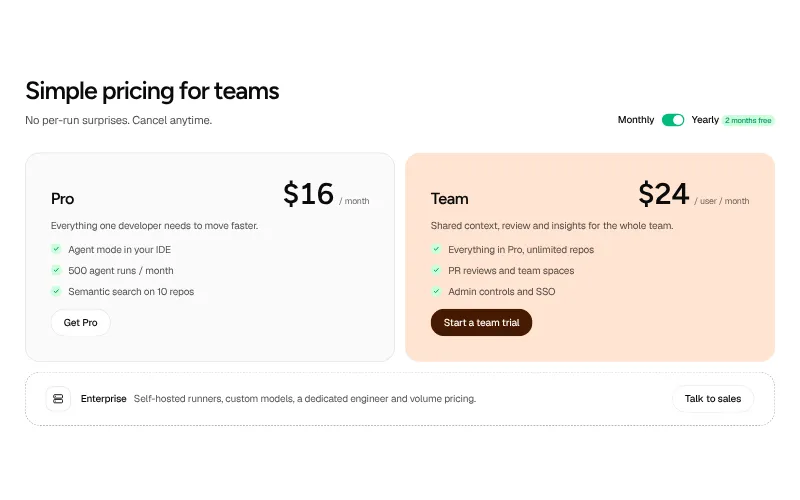
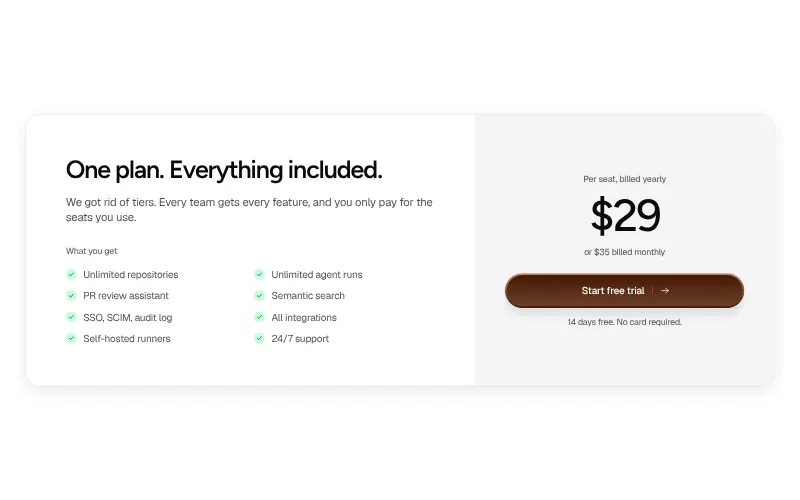
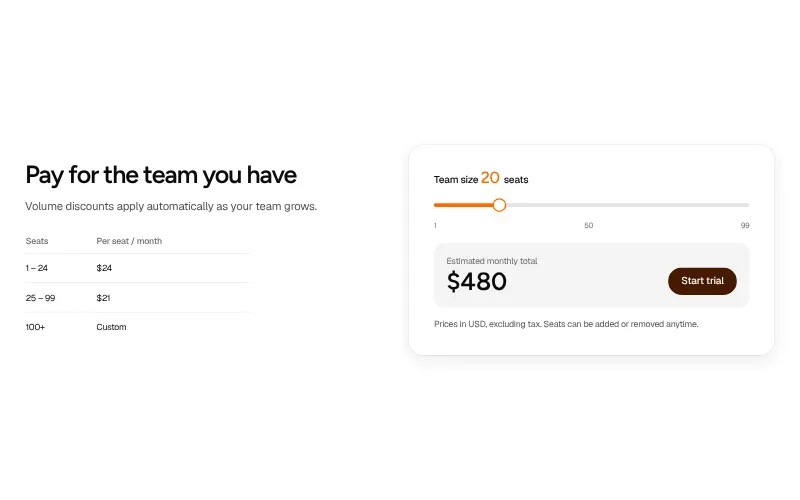
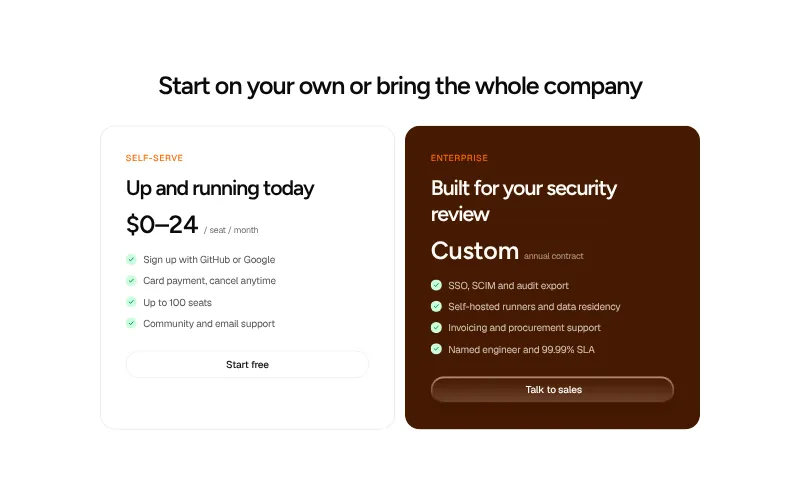
Plans, prices and what each includes. Make the recommended plan obvious and the next step one click.
All variants on one page -
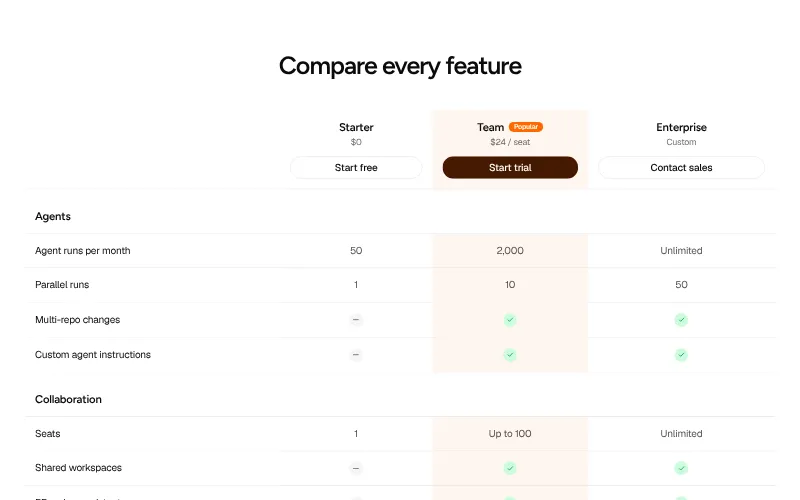
Plan comparison: #5
The detail page under pricing. Every feature by plan, so buyers can check the one line they care about.
All variants on one page -
FAQ: #5
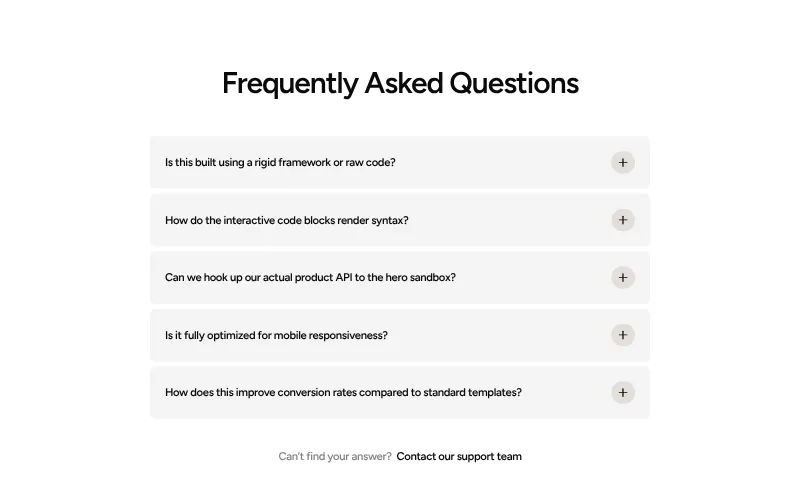
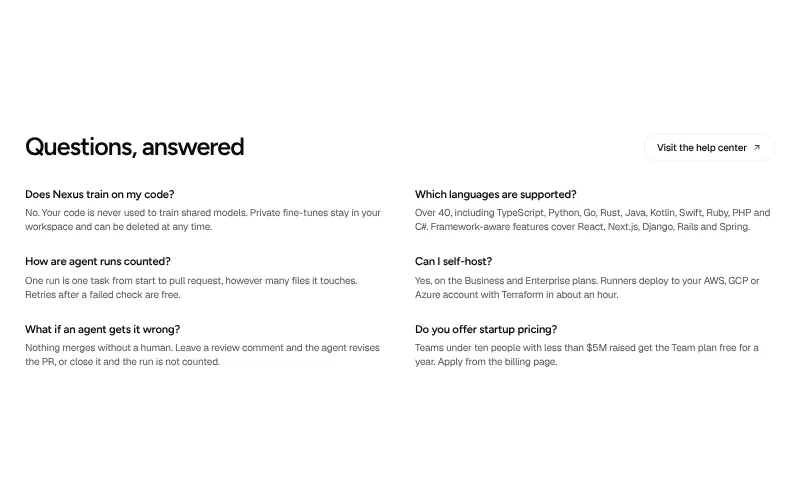
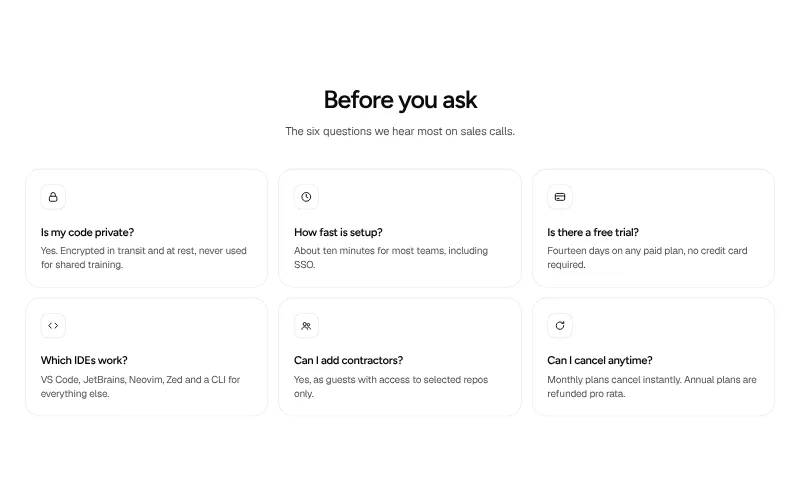
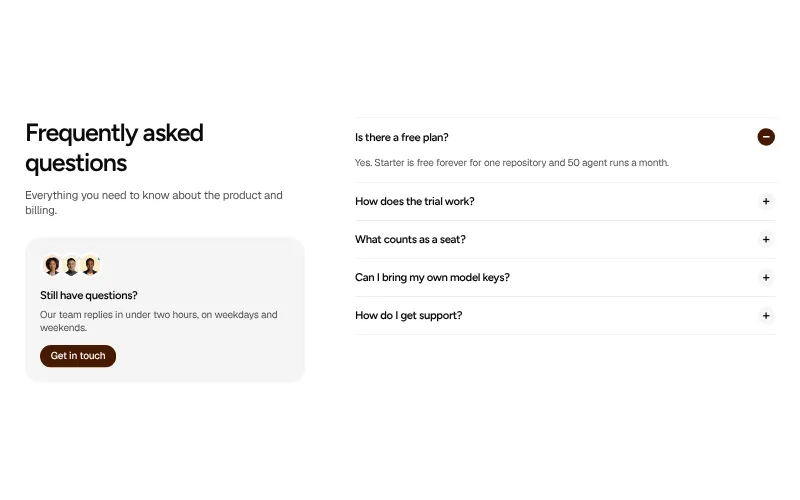
Answers to the objections that stop a signup: price, security, setup and what happens when things go wrong.
All variants on one page -
Call to action: #6
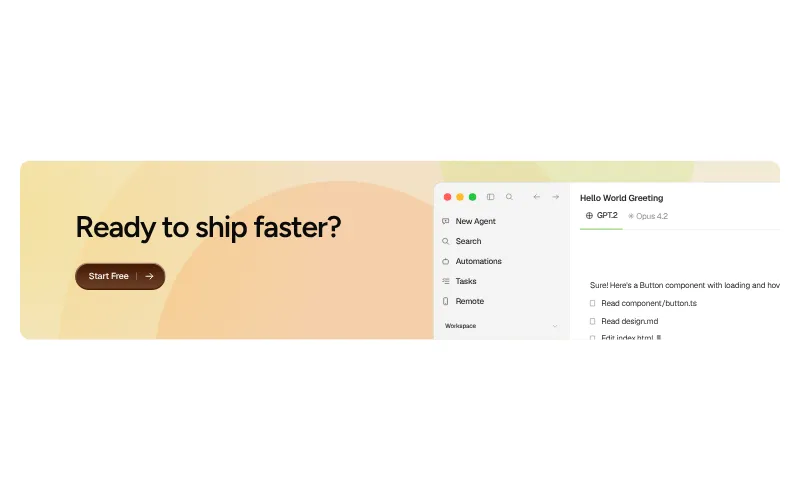
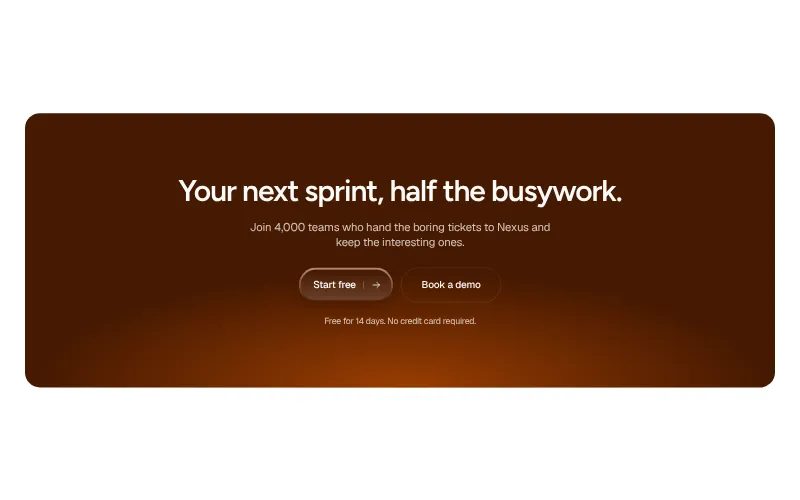
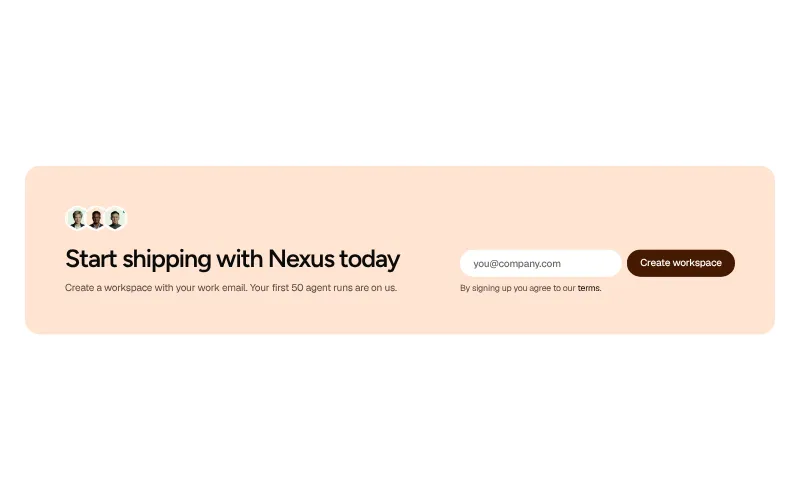
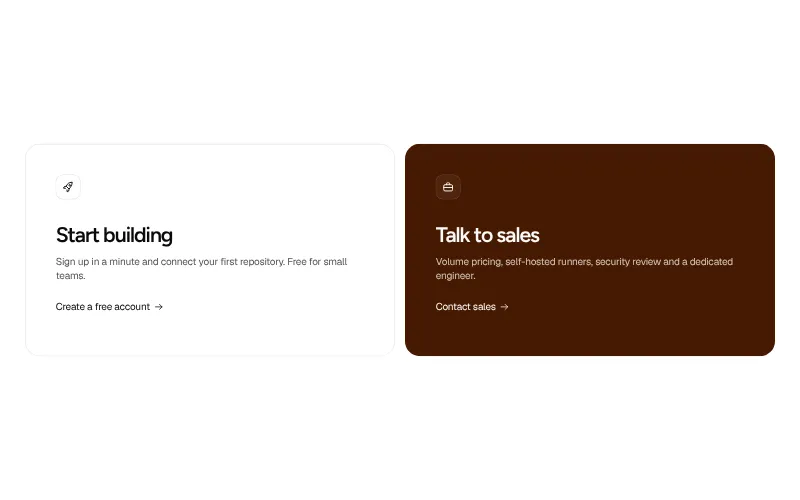
The last push before the footer. One clear action, one line of reassurance, nothing else competing for the click.
All variants on one page -
Newsletter: #6
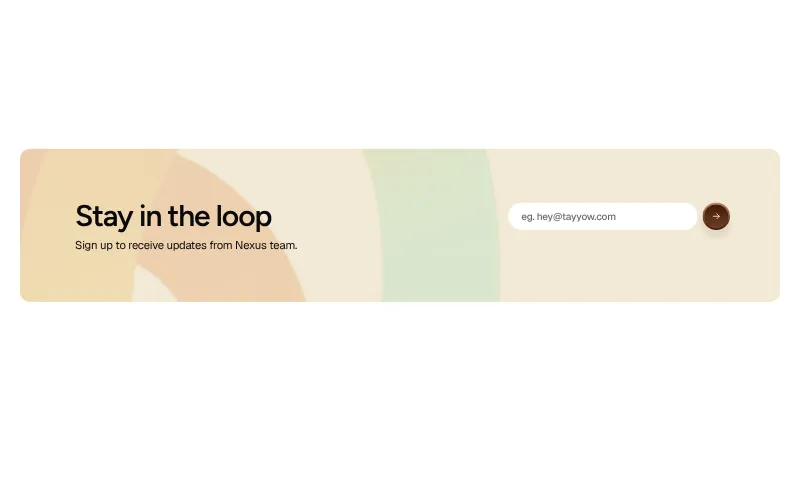
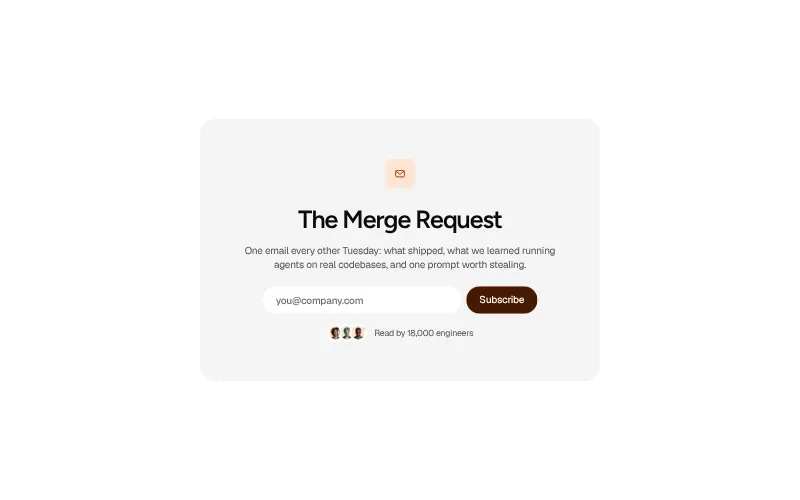
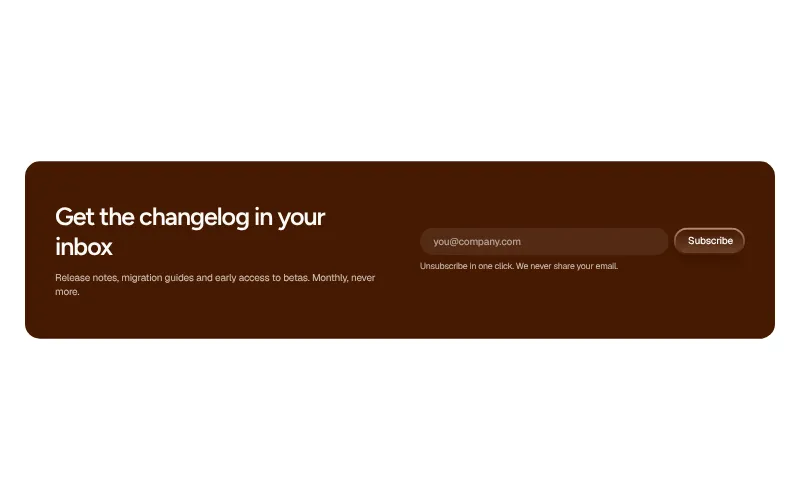
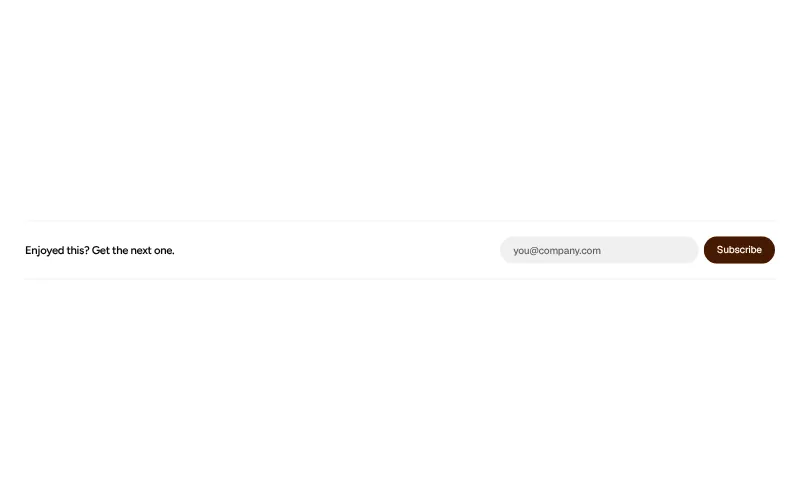
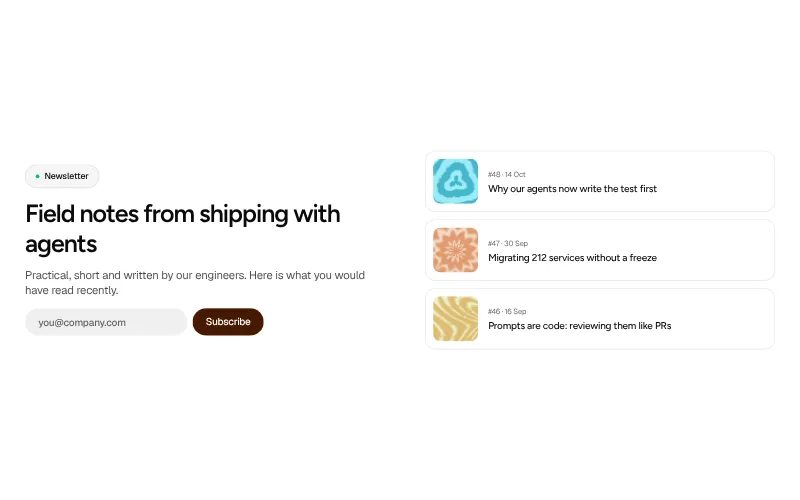
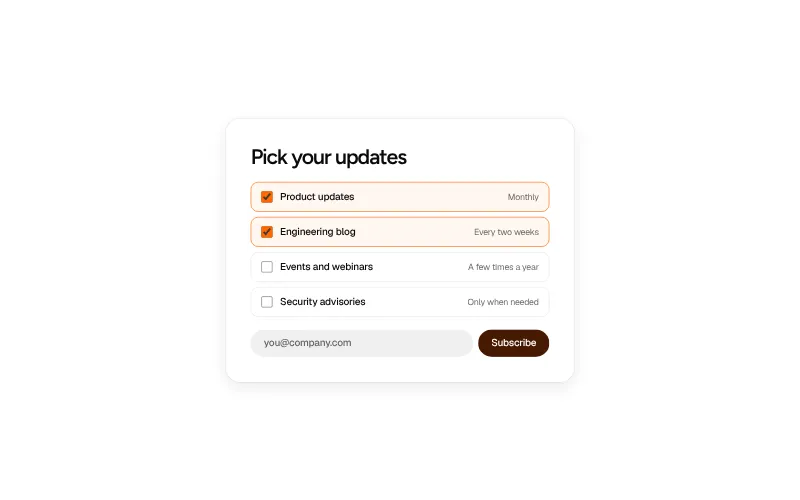
Keep the visitors who are not ready to buy. One field, a clear promise of what they'll get and how often.
All variants on one page -
Contact / demo: #5
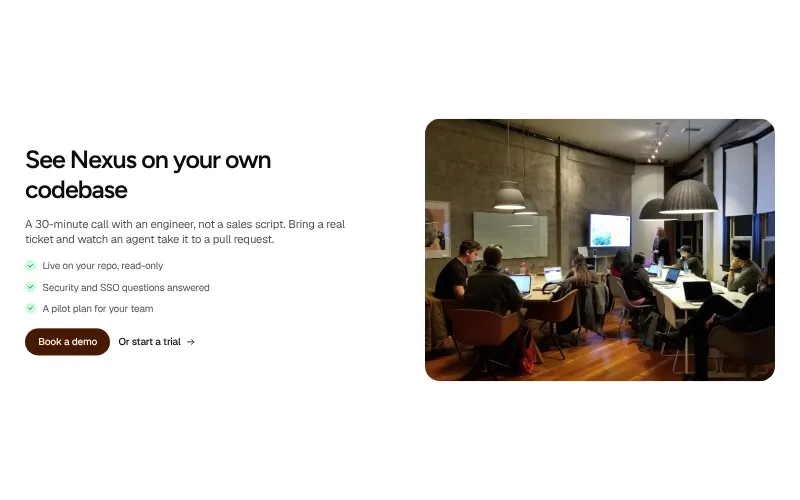
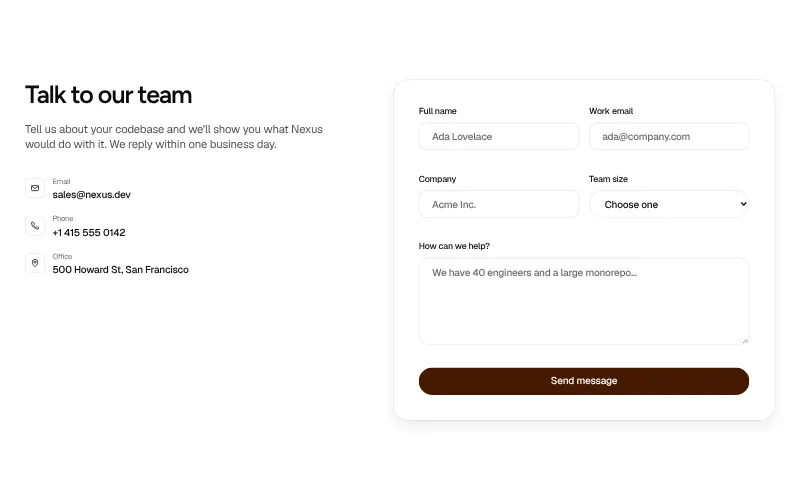
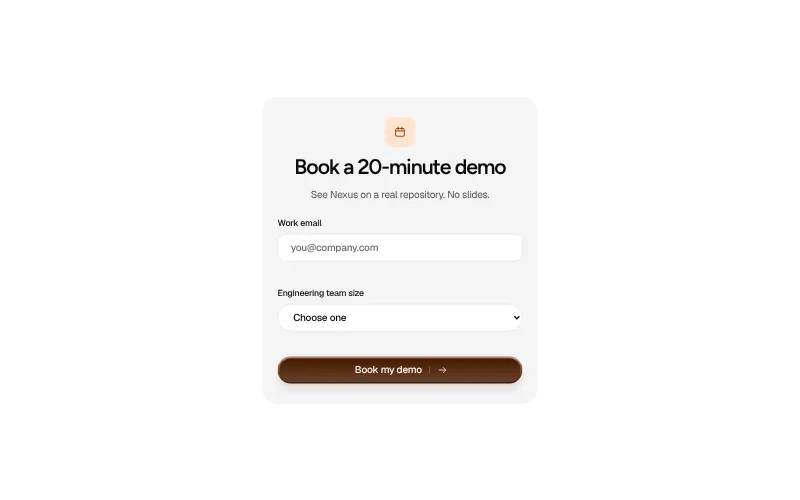
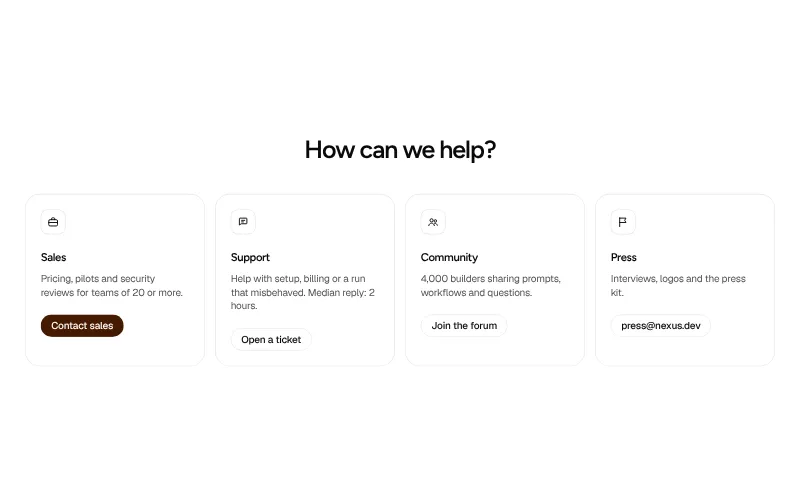
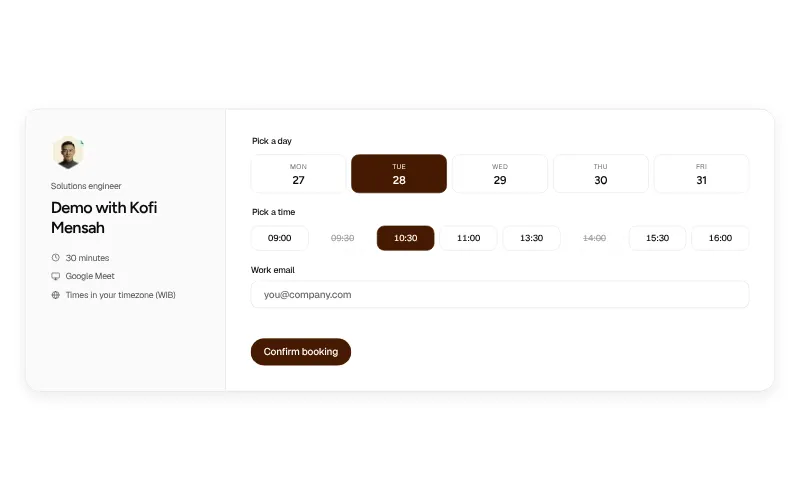
Make talking to a human easy. Short forms, real response times and the option to pick a slot yourself.
All variants on one page -
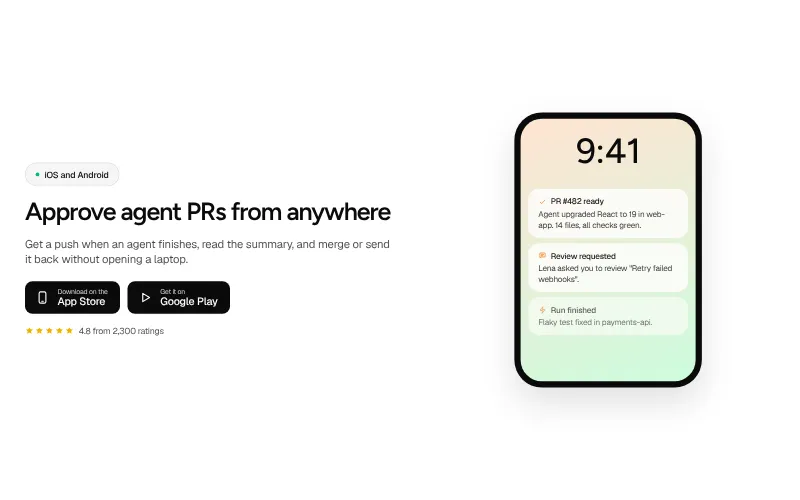
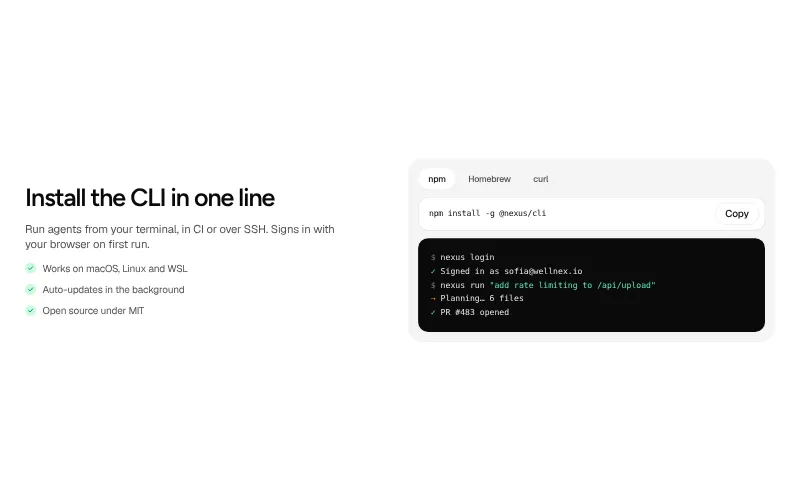
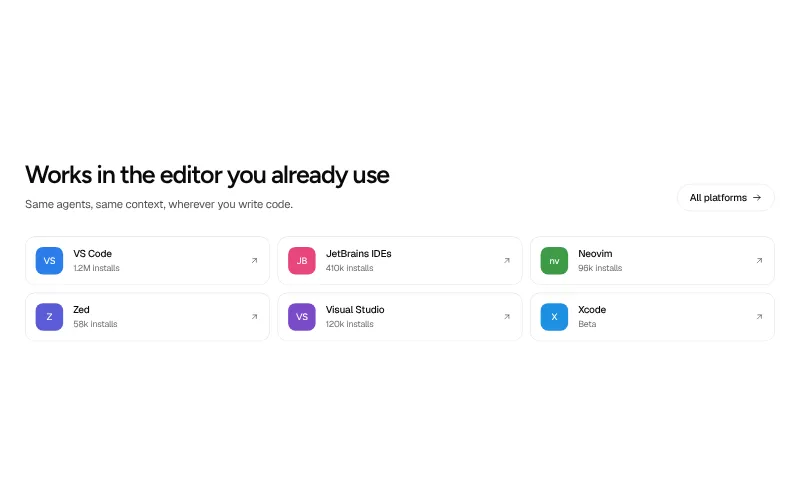
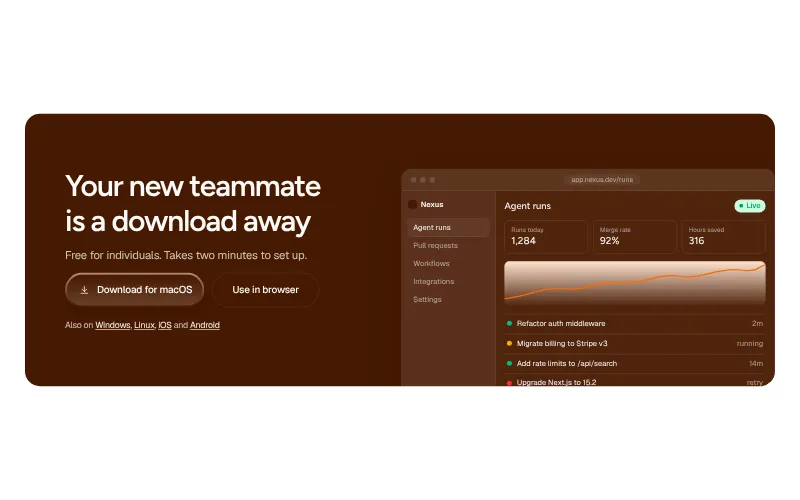
Download / platforms: #5
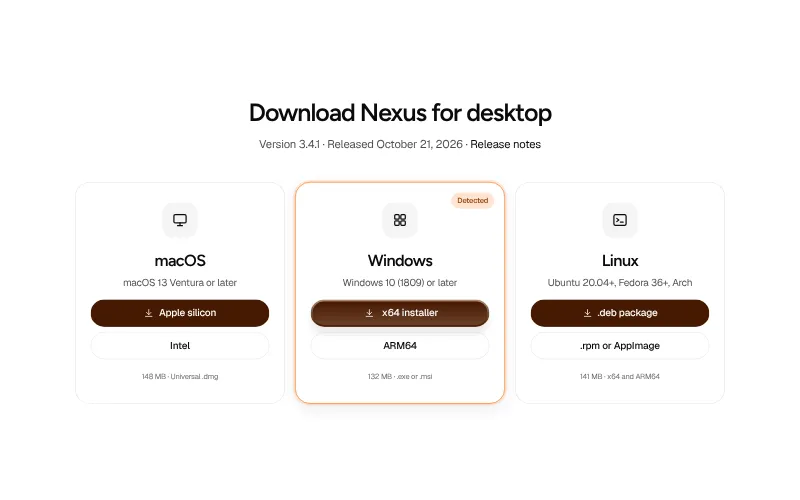
Get the product onto every surface your users work in. Desktop apps, mobile, the CLI and editor extensions.
All variants on one page
Company and content
-
Team: #6
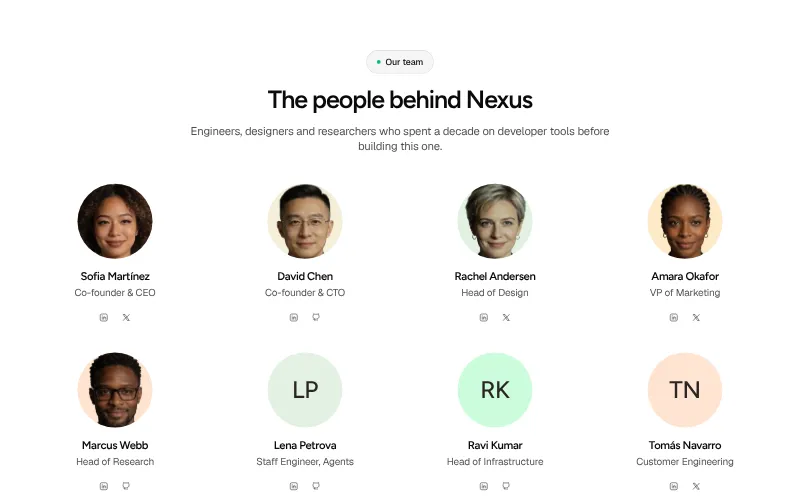
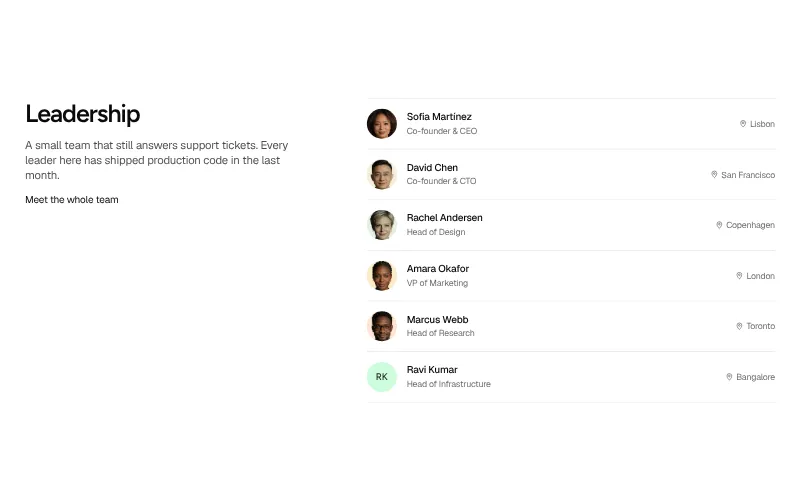
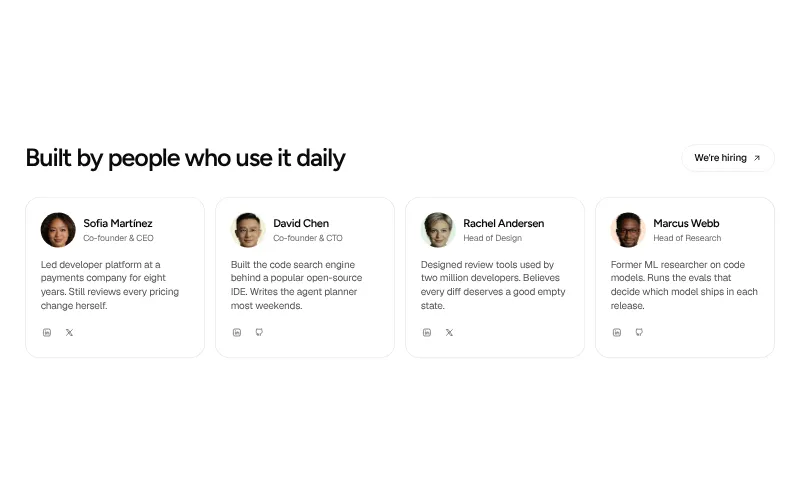
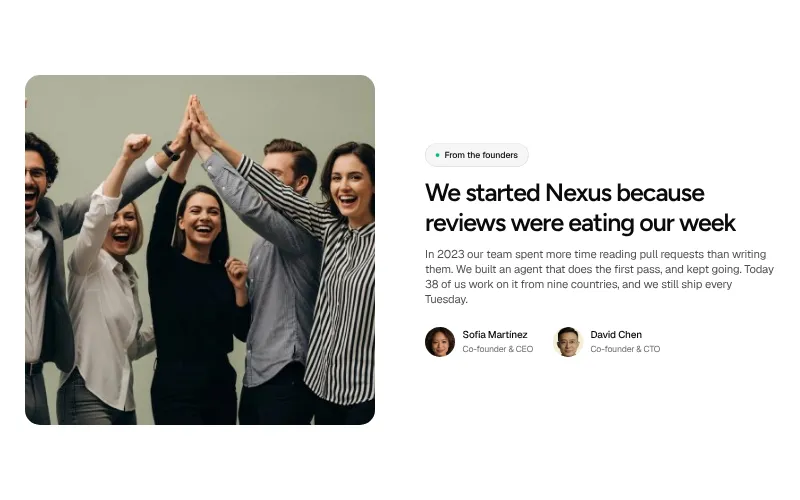
Put faces to the product. Who builds it, who runs it, and an open door for the next hire.
All variants on one page -
Careers: #6
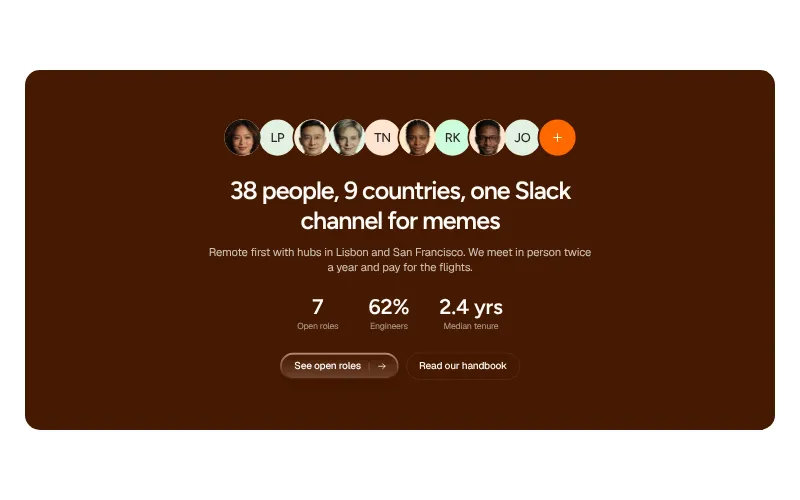
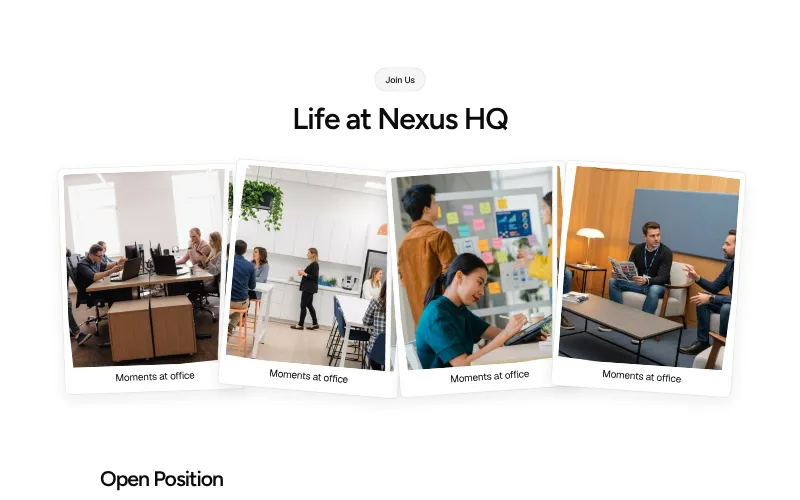
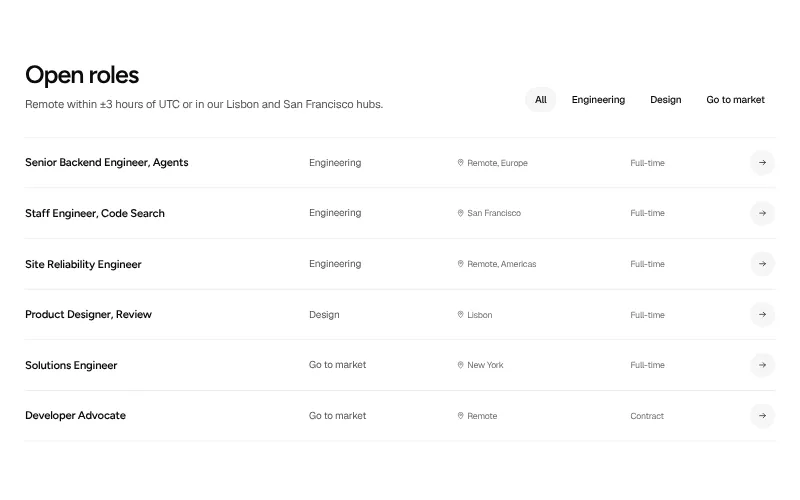
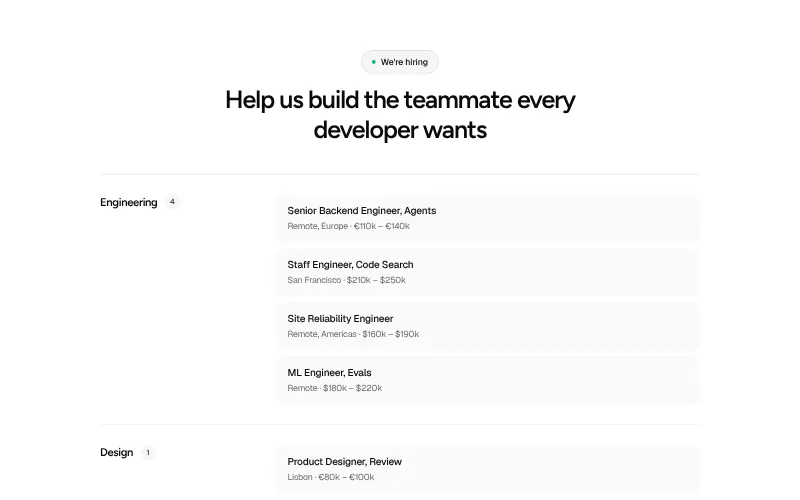
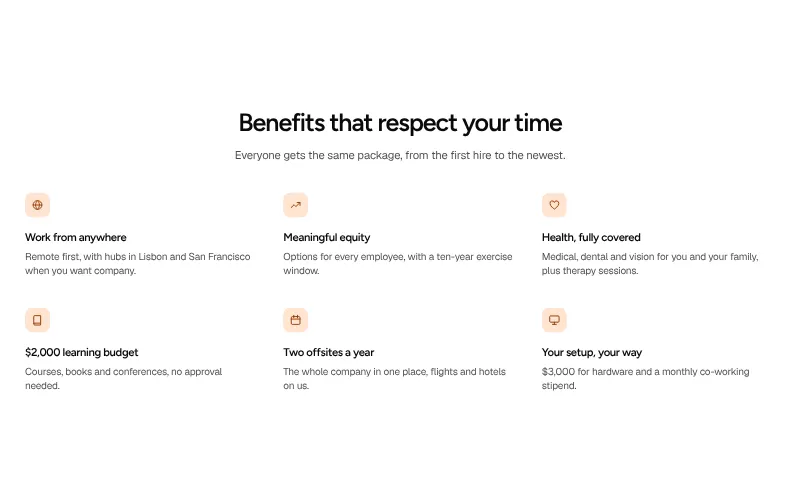
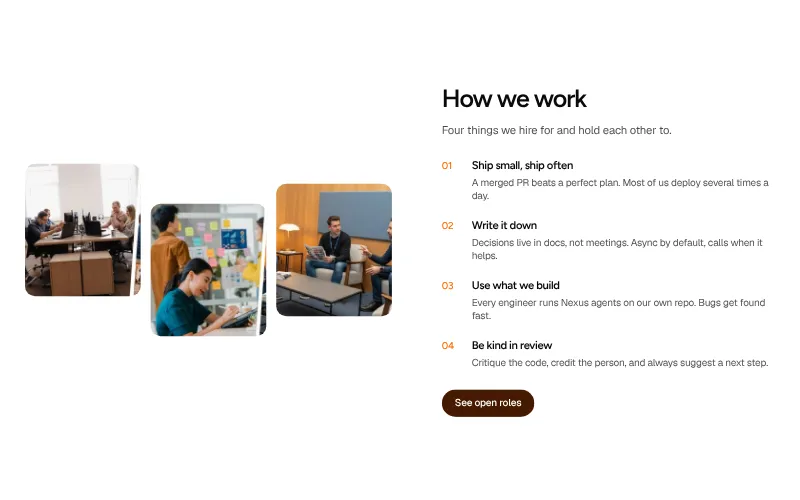
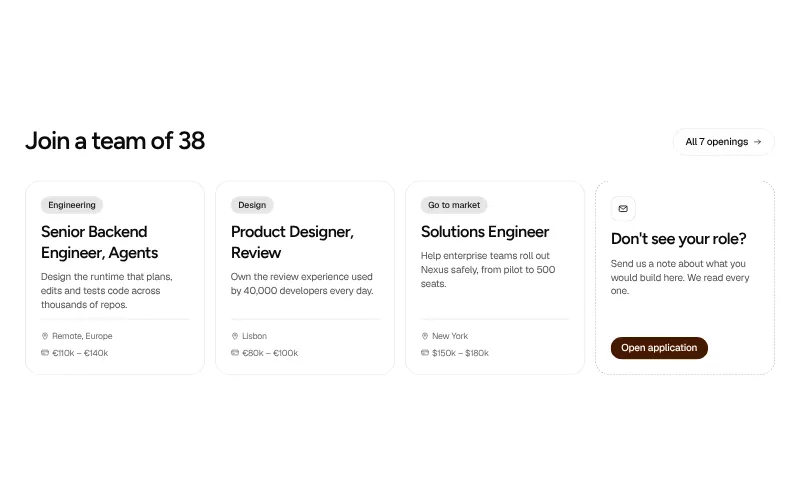
Recruit from your own site. Open roles that are easy to scan, plus the perks and values that make people apply.
All variants on one page -
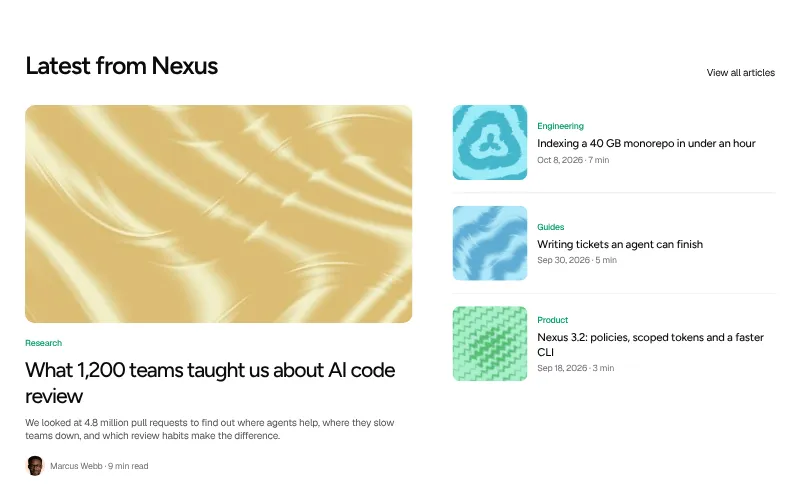
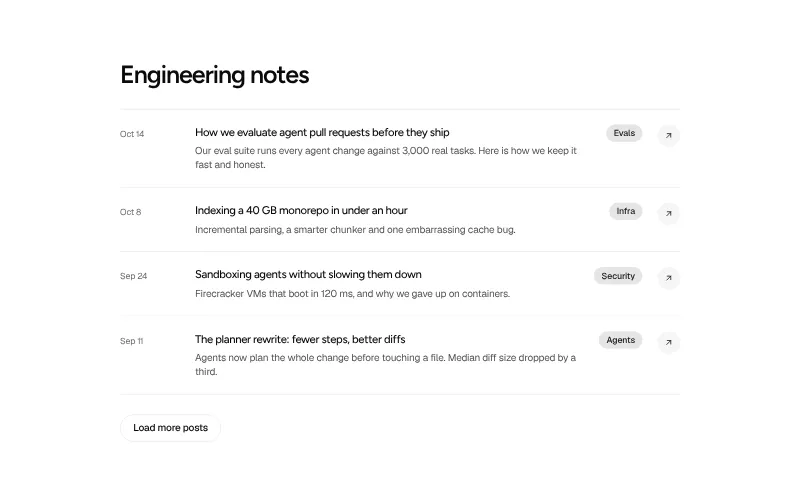
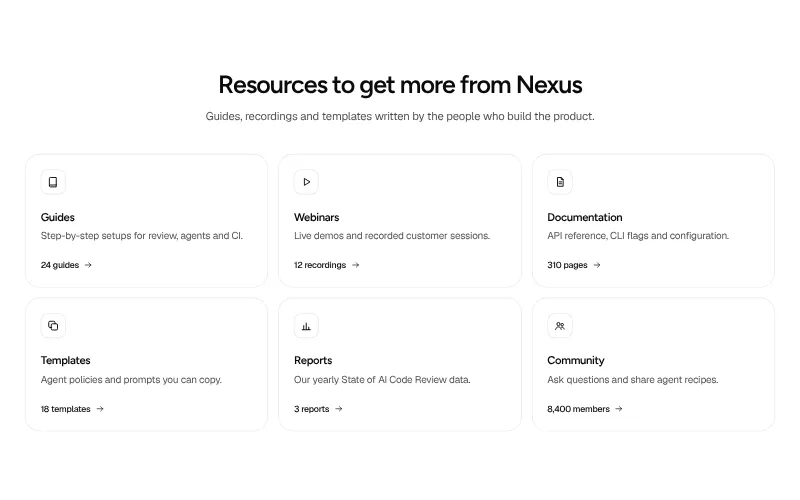
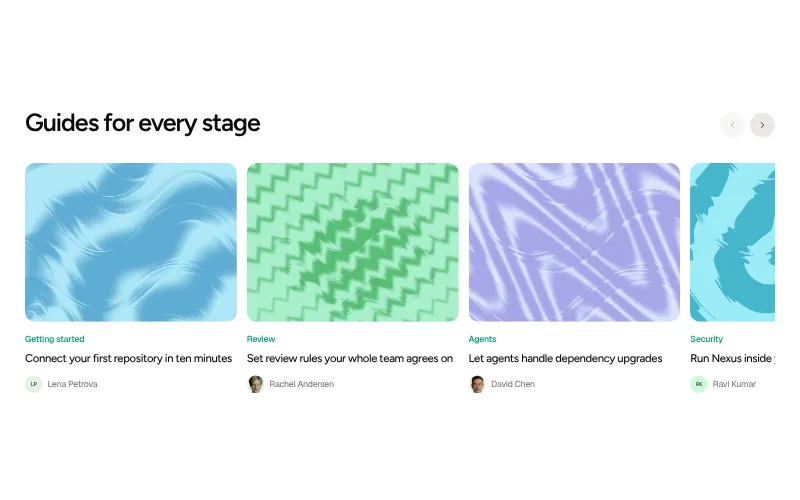
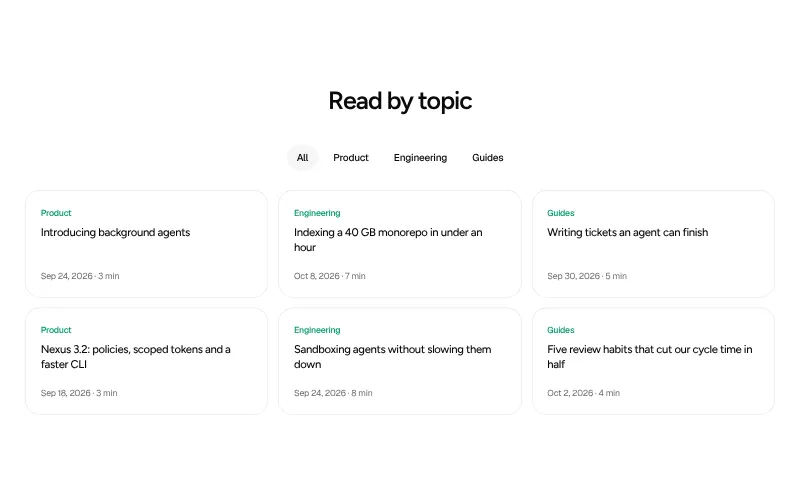
Blog / resources: #6
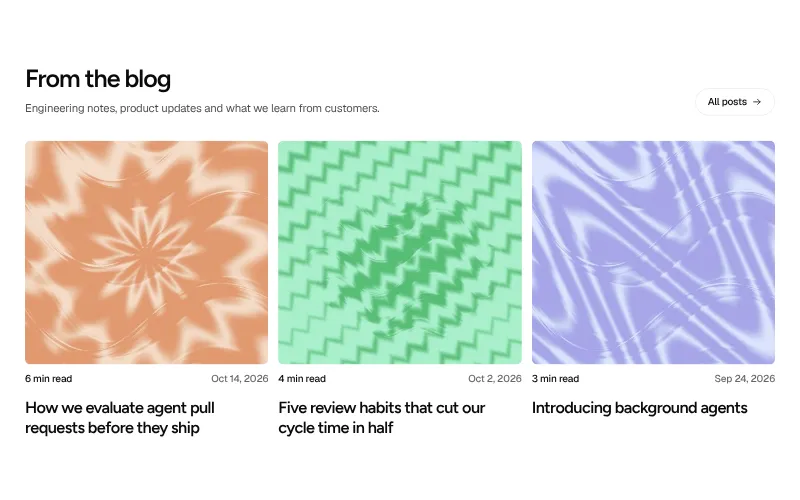
Show you are still shipping and teach while you do it. Latest posts, guides and the resources sales keeps linking to.
All variants on one page -
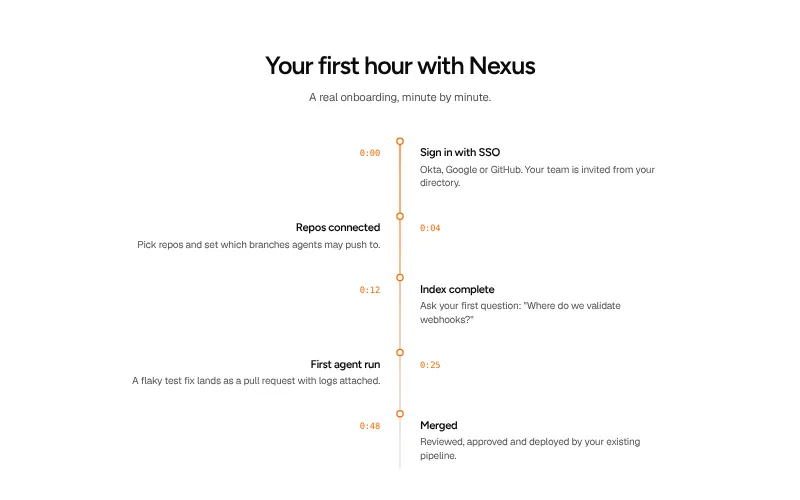
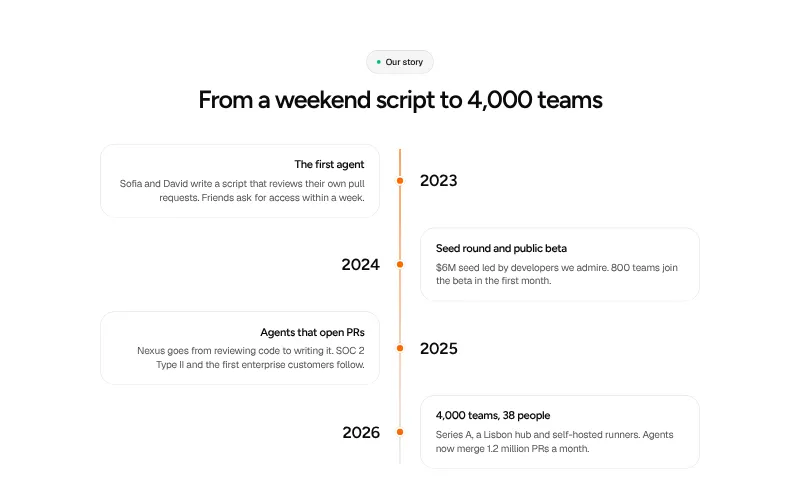
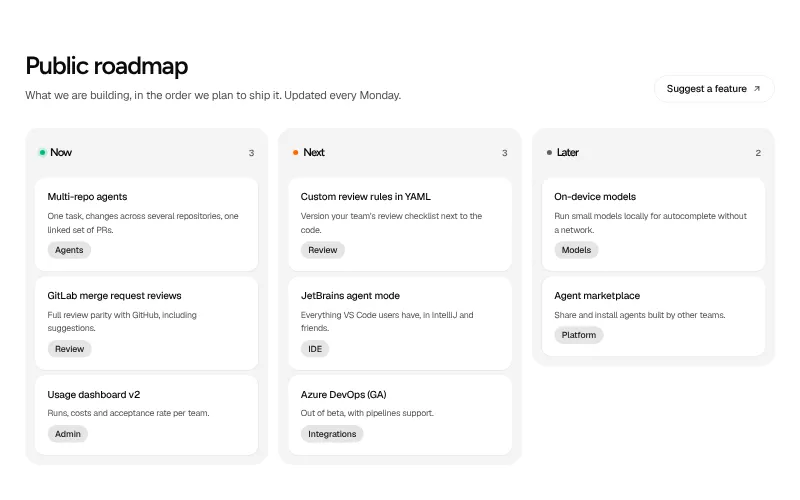
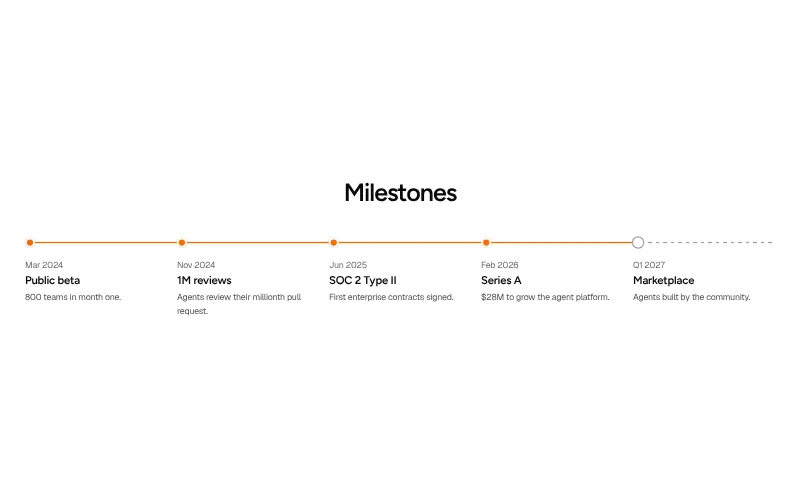
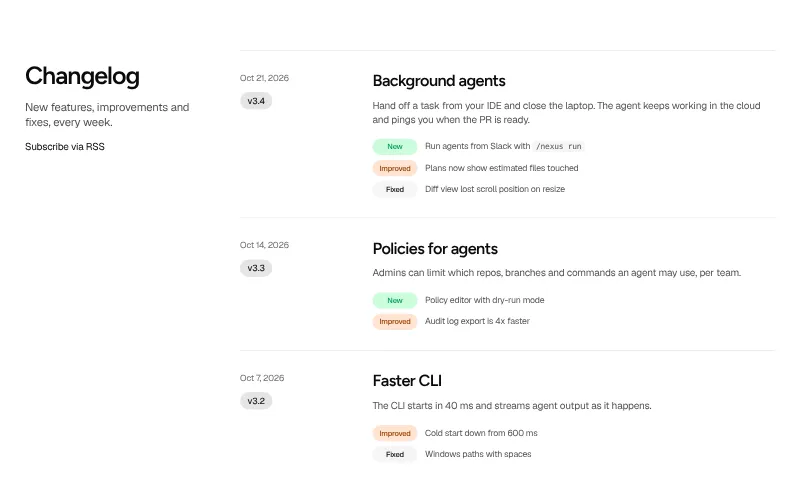
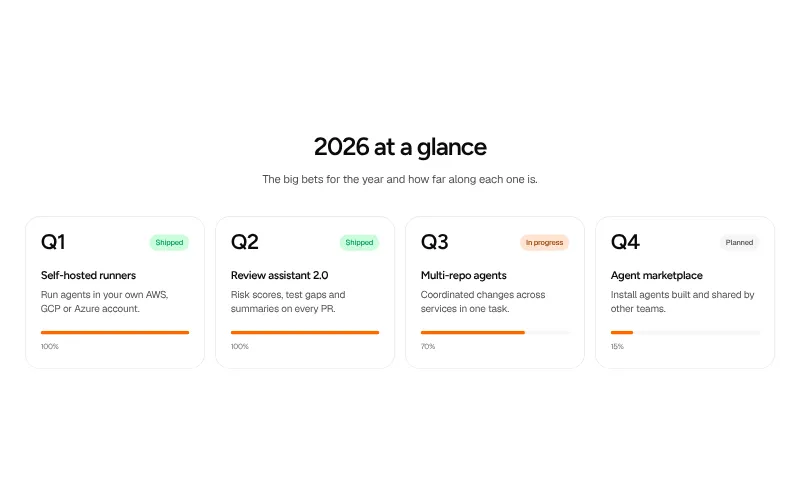
Timeline / roadmap: #5
Show momentum. Where the company came from, what shipped lately and what is coming next.
All variants on one page

Footer
-
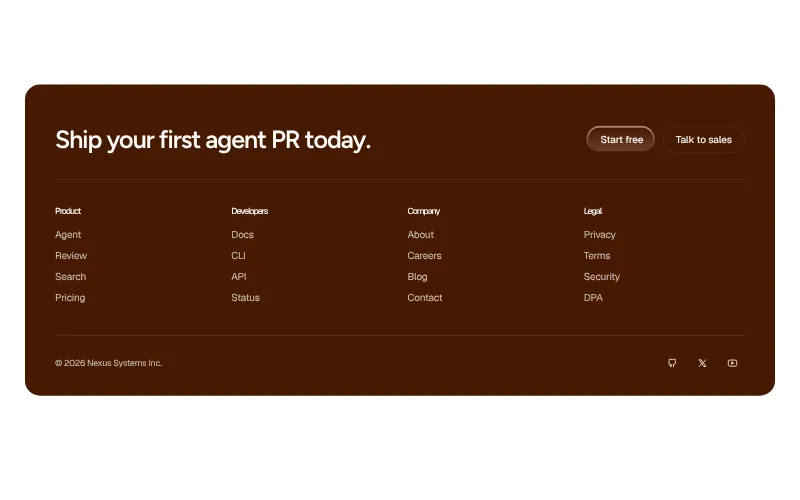
Footer: #6
Navigation for people who scrolled all the way down: sitemap, legal, social and often one last signup.
All variants on one page